EasyManua.ls Logo

Breville vcf011 - User Manual

Breville vcf011
20 pages
Print Icon
To Next Page IconTo Next Page
Loading...
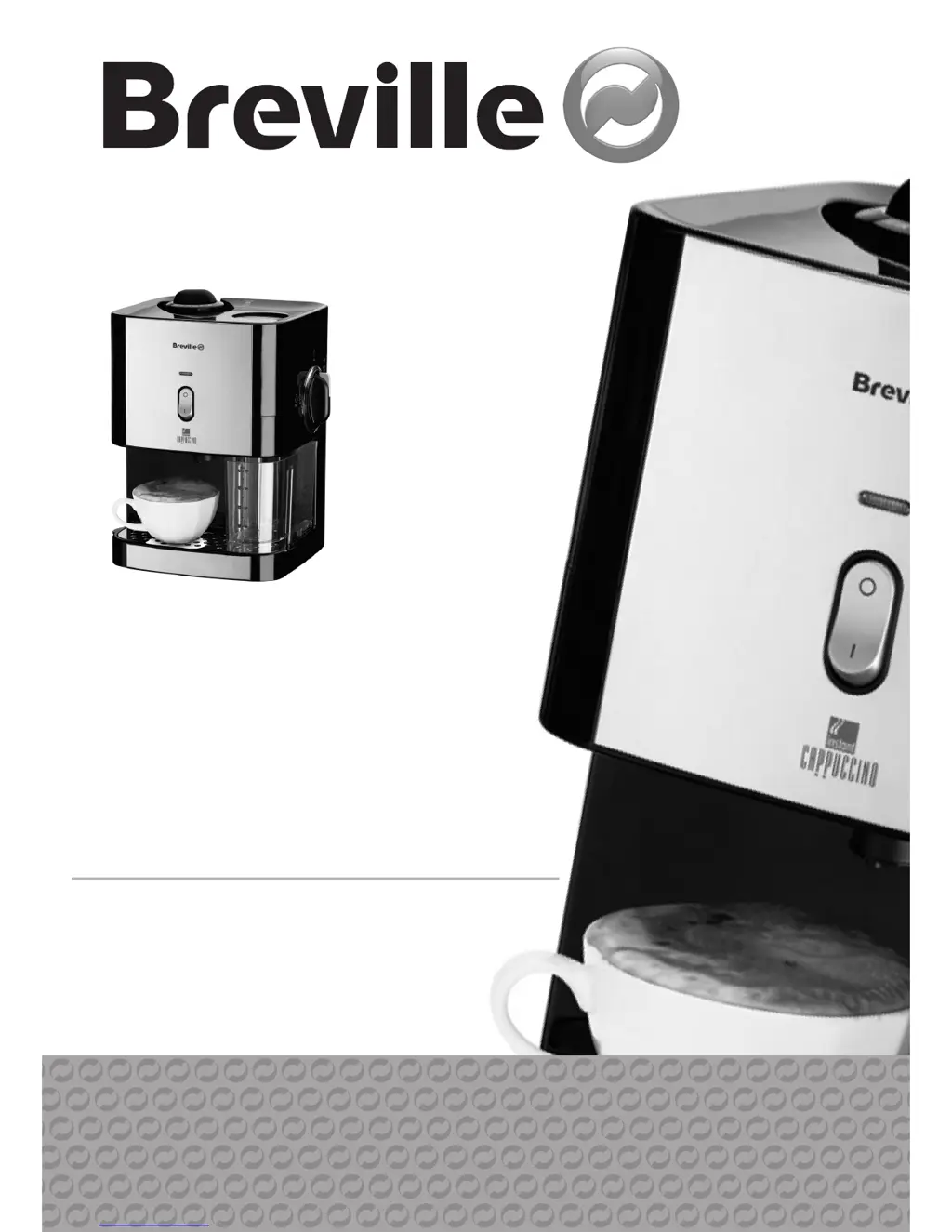
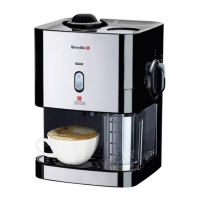
turns instant
coffee into
authentic cappuccino
instruction booklet
®

Other manuals for Breville vcf011

Questions and Answers

  • J
    Jay FrazierAug 18, 2025
    How to fix Breville Coffee Maker if the orange power light doesn't turn on?
    • A
      Audrey WebbAug 19, 2025
      If the orange power light on your Breville Coffee Maker does not come on, ensure the unit is properly plugged into the mains supply. Also, press the power on/off button located on the front of the unit. Finally, check the fuse in the mains plug to ensure it is working correctly.
  • A
    Adam QuinnAug 21, 2025
    Why is my Breville Coffee Maker cappuccino not very warm?
    • N
      Neil GardnerAug 21, 2025
      If your cappuccino from the Breville Coffee Maker is not warm enough, allow the unit to reach its full operating temperature before making each cup. This is especially important when making several cups in a row. The green/orange ready light will illuminate when the machine has reached the correct operating temperature.
  • M
    Michael HintonAug 23, 2025
    How to clean dark colored skin pieces from Breville vcf011 Coffee Maker cappuccino?
    • T
      tamaradanielsAug 23, 2025
      If you find dark colored skin pieces in your cappuccino from the Breville Coffee Maker, the system needs cleaning. Follow the cleaning procedure, using warm water with bicarbonate of soda or washing up liquid instead of clean water for flushing. Afterward, flush the system at least four times with clean water to thoroughly remove any detergent residue.
  • J
    john21Aug 26, 2025
    What to do if Breville vcf011 wasn't cleaned properly after last use?
    • J
      Jennifer LewisAug 26, 2025
      If your Breville Coffee Maker was not cleaned properly after its last use, flush the system with detergent. If coffee was left in the machine, use bicarbonate of soda or washing up liquid.
  • S
    Shannon HinesAug 27, 2025
    Why does the ready indicator keep flashing on my Breville Coffee Maker?
    • S
      stephenromeroAug 28, 2025
      If the ready indicator on your Breville Coffee Maker keeps coming on and going off, it is because the machine is fitted with a thermostat to maintain the temperature. It is perfectly normal for the light to cycle on and off while the machine is in use.
  • V
    vickiemilesAug 30, 2025
    What to do if my Breville Coffee Maker stops while dispensing cappuccino?
    • N
      Nicole GreenAug 30, 2025
      If your Breville Coffee Maker stops dispensing cappuccino, it could be due to several reasons. The milk tank may have run dry; if so, move the control dial to the STOP position and refill the tank. Alternatively, the water tank may be empty; in this case, follow the steam release procedure, pour 300ml of clean water into the tank, switch the machine back on, allow it to reach operating temperature, and then continue dispensing cappuccino. Finally, check the power supply and fuse to ensure the machine is receiving power.
  • A
    Ashlee ReedSep 1, 2025
    Why doesn't the green/orange ready light come on for my Breville Coffee Maker?
    • E
      Emily NunezSep 1, 2025
      If the green/orange ready light on your Breville Coffee Maker does not illuminate, it could be because the unit has not yet reached its operating temperature, which typically takes about 5 minutes. It is also possible that the unit does not have any power; refer to the troubleshooting steps for the orange power light not illuminating.
  • A
    Alexandra RogersSep 4, 2025
    What to do if my Breville vcf011 makes loud noise and steam when dispensing cappuccino?
    • H
      Heather WongSep 4, 2025
      If your Breville Coffee Maker is making a loud noise and creating a lot of steam while dispensing cappuccino, the milk tank may have run dry. To resolve this, move the control dial to the STOP position and refill the milk tank.
  • K
    keithtorresSep 6, 2025
    Why does my Breville vcf011 make excessive noise and dispenses strong coffee when turned to CLEAN/GO!?
    • T
      thomasleahSep 6, 2025
      If your Breville Coffee Maker makes excessive noise and dispenses very strong coffee when the control dial is initially turned to the CLEAN/ GO! position, there may be some air in the machine. This occasionally happens, but the machine will automatically clear itself in a few seconds, after which cappuccino will dispense normally.
  • C
    Casey DavisSep 8, 2025
    Why is steam escaping from the water tank cap of my Breville vcf011 Coffee Maker?
    • C
      Charles ZhangSep 8, 2025
      If steam is escaping from the water tank cap of your Breville Coffee Maker, make sure that the water tank cap is fully tightened.

Summary

product safety

General Safety Precautions

Covers safe operation, handling, and maintenance to prevent hazards and damage.

features

before first use

making cappuccino

cleaning

Cleaning the dispensing nozzle

Procedure for removing, cleaning, and reattaching the dispensing nozzle.

Cleaning the milk pipe

Instructions for cleaning the milk pipe using the control dial.

Cleaning the coffee chamber

Method for cleaning the coffee chamber using a dry cloth.

Cleaning the main unit

Wiping down the exterior of the machine and emptying the water tank.

steam release procedure

troubleshooting

recipes

connection to the mains supply

after sales service

guarantee

Breville vcf011 Specifications

General IconGeneral
BrandBreville
Modelvcf011
CategoryCoffee Maker
LanguageEnglish

Related product manuals