23
CUSTOMISABLE - SHOT VOLUMES
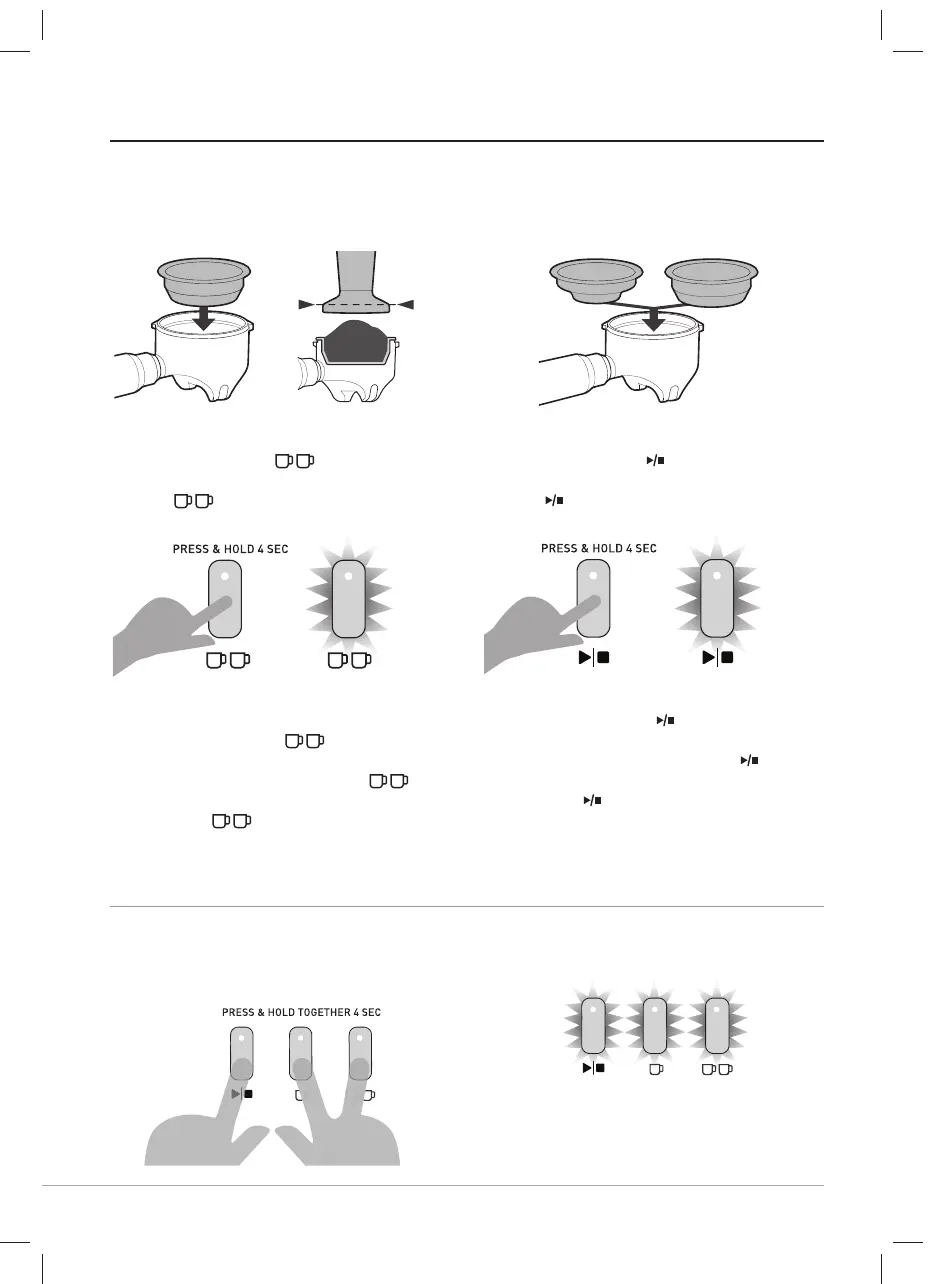
Customise - Two Cup Shot Volume
- Insert Two Cup Filter Basket into the
Group Handle.
- Fill with coff ee grinds then tamp.
- Insert Group Handle into the Group
Head.
- Press & hold the
BUTTON for 4
seconds.
- The
LIGHT will fl ash to indicate it
is custom mode.
- Espresso will start to pour.
- When you reach your desired 2 shots
volume, press the
BUTTON.
- The espresso pour will stop.
- The machine will beep & the
LIGHT will stop fl ashing.
- The new
espresso shot volume
has been saved.
- The machine will return to the READY
state.
Customise - Manual Shot Volume
- Insert your desired Filter Basket into
the Group Handle.
- Fill with coff ee grinds then tamp.
- Insert Group Handle into the Group
Head.
- Press & hold the
BUTTON for 4
seconds.
- The
LIGHT will fl ash to indicate it is
in custom mode.
- Espresso will start to pour.
- When you reach your desired shot
volume, press the
BUTTON.
- The espresso pour will stop.
- The machine will beep & the
LIGHT
will stop fl ashing.
- The new
espresso volume has been
saved.
- The machine will return to the READY
state.
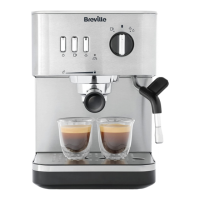
ONE CUP
OR
TWO CUP
TWO CUP
Restore - All Default Shot Volumes
- Press & hold all 3 EXTRACTION
BUTTONS at the same time for 4
seconds.
- The machine will beep and all 3
EXTRACTION BUTTON LIGHTS will
fl ash together.
- The default espresso volumes have
been restored.
- The machine will return to the READY
state.
VCF152X_VCF153X_21MLM1 (EMEA).indd 23VCF152X_VCF153X_21MLM1 (EMEA).indd 23 5/14/21 15:525/14/21 15:52



 To Next Page