13
TROUBLESHOOTING
No power or display is not illuminated
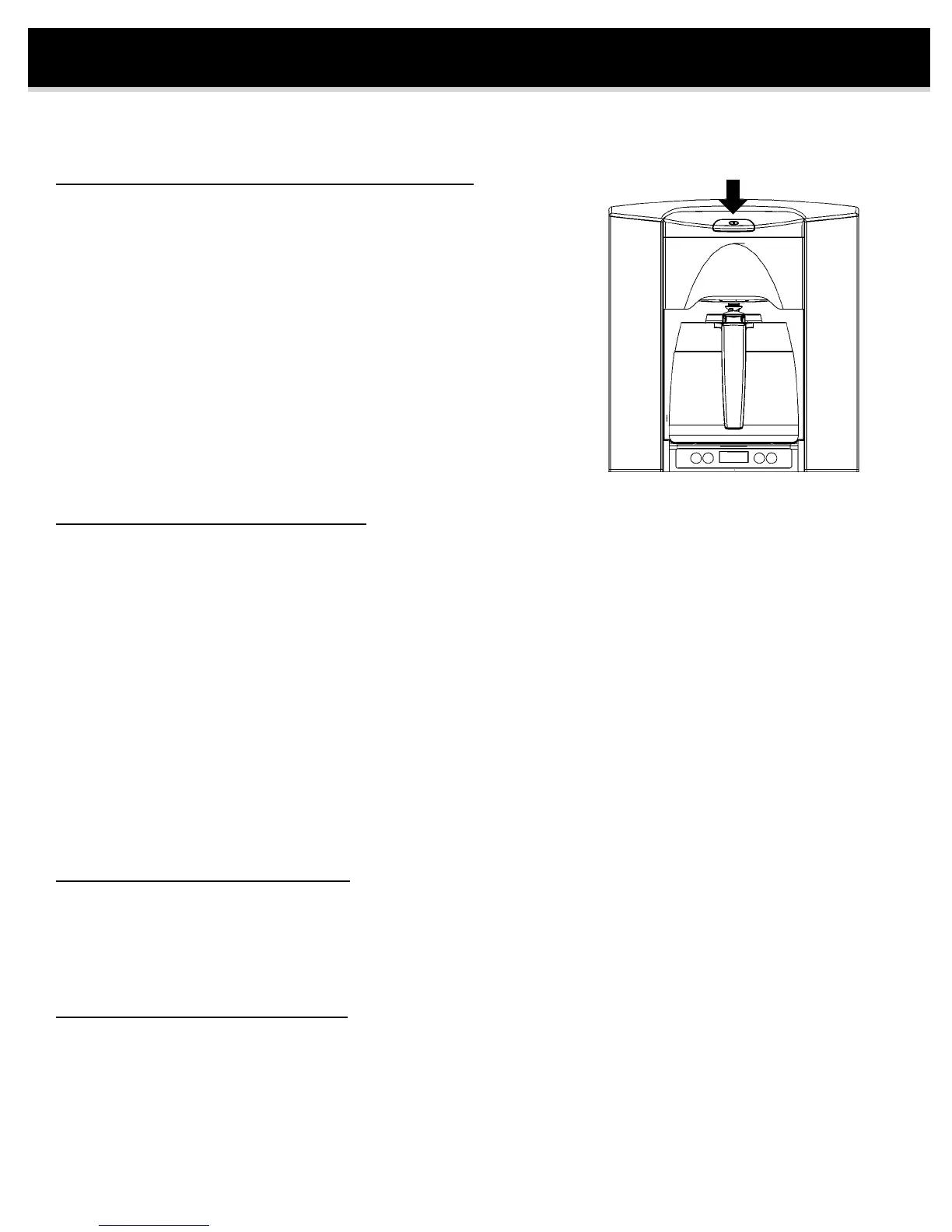
• Press power button (on top of brewer).
• Conrm the power to the rough-in box is turned on (check circuit breaker).
• Conrm brewer is fully pressed into the rough-in box.
• Check the outlet inside rough-in box. Remove the brewer and check
outlet by plugging in another appliance (lamp, etc). If there is no power,
then turn off power to circuit and check wiring.
Water does not flow from spray head
• The BREW EXPRESS preheats the water before starting the brew cycle. You may be waiting for the preheat
cycle to end.
• Conrm the carafe or mug is centered under the brew basket. BREW EXPRESS will not start if the detection
sensor does not see a carafe or mug. Brew light will blink slowly. If using a mug, one may need to move it further
inside brewer.
• The BREW EXPRESS will not operate if there is no water. LED display will ash EEEE if there is no water.
• Conrm the water is connected to brewer and is turned on.
• Conrm the water line is properly connected inside the rough-in box. Remove the two mounting screws from behind
the brew basket and carafe and pull out brewer. The water line quick connectors must be pressed together rmly.
Also, check for a pinched or kinked water line.
• Check quick connections to insure they are snapped together and that water is on.
• Check the water lter (if present) at the supply. If lter is clogged replace lter.
• If problem persists, then brewer maybe clogged by debris. Call customer service.
• If outside air temp is below freezing then check to see if water line is frozen.
Water overflow from carafe
• Carafe was not emptied before brew cycle started (empty carafe).
• Flow rate too high, conrm by running 2-3 pots of water, if ow rate is still too high call for customer service.
Water volume in carafe is too low
• Increase brewing time. See procedure on page 6.
• Check spray head for blockage.


 To Next Page