Document #100578 RevJ 7 Printed in USA © 2017
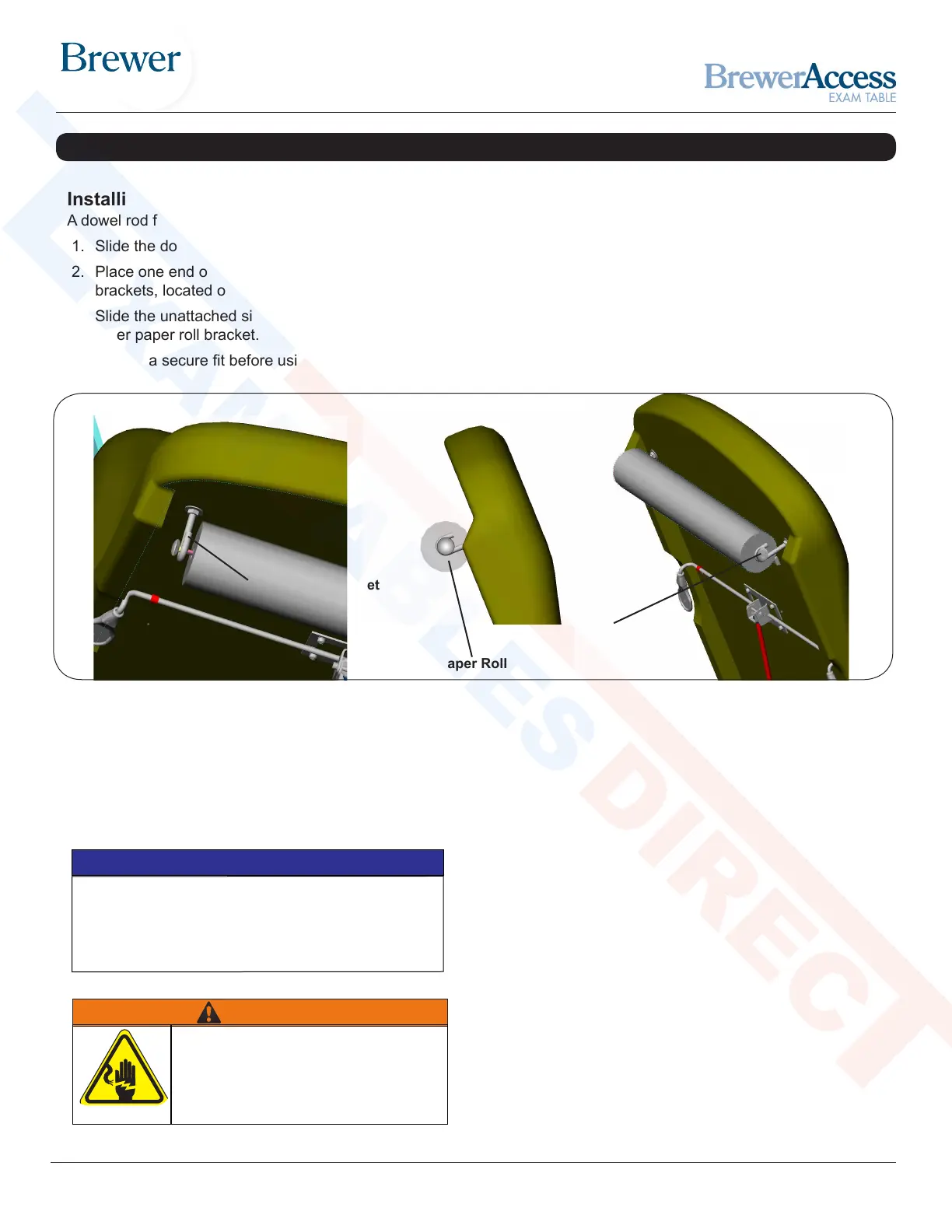
Dowel Rod
Paper Roll Bracket
Paper Roll
Figure 5. Paper Roll Installation
Installing the Paper Rod
A dowel rod for supporting a paper roll is shipped with each table.
1. Slide the dowel rod through the paper roll (see Figure 5).
2. Place one end of the dowel rod on one of the paper roll
brackets, located on the rear side of the table’s back section.
3. Slide the unattached side of the dowel rod over the top of the
other paper roll bracket.
4. Ensure a secure t before using paper roll dispenser.
Conrm Voltage and Plug Type
See Specications Page for electrical rating of this unit.
The three-pronged grounding plug on the table power cord
must be plugged into a matching three-pronged, grounded,
non-isolated, correctly polarized 115 VAC receptacle.
NOTICE
INSTALLATION (CONTINUED)
Plug Table into Wall Receptacle
(Model 5001 Only)
1. Plug the male end of the power cord into a 115 volt
grounded receptacle.
WARNING
Shock Hazard
After installing or moving table, make sure
there are no damaged or exposed wires
that could result in electrical shock.
Note: Additional paper role storage is located
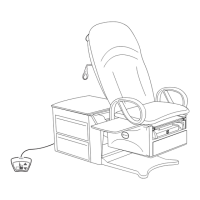
beneath the backrest at the rear of the table.
See Figure 2.
Shop tables & accessories at


 To Next Page