ALTAIR 8800 micro Users Manual
© Briel Computers 2010 page 11
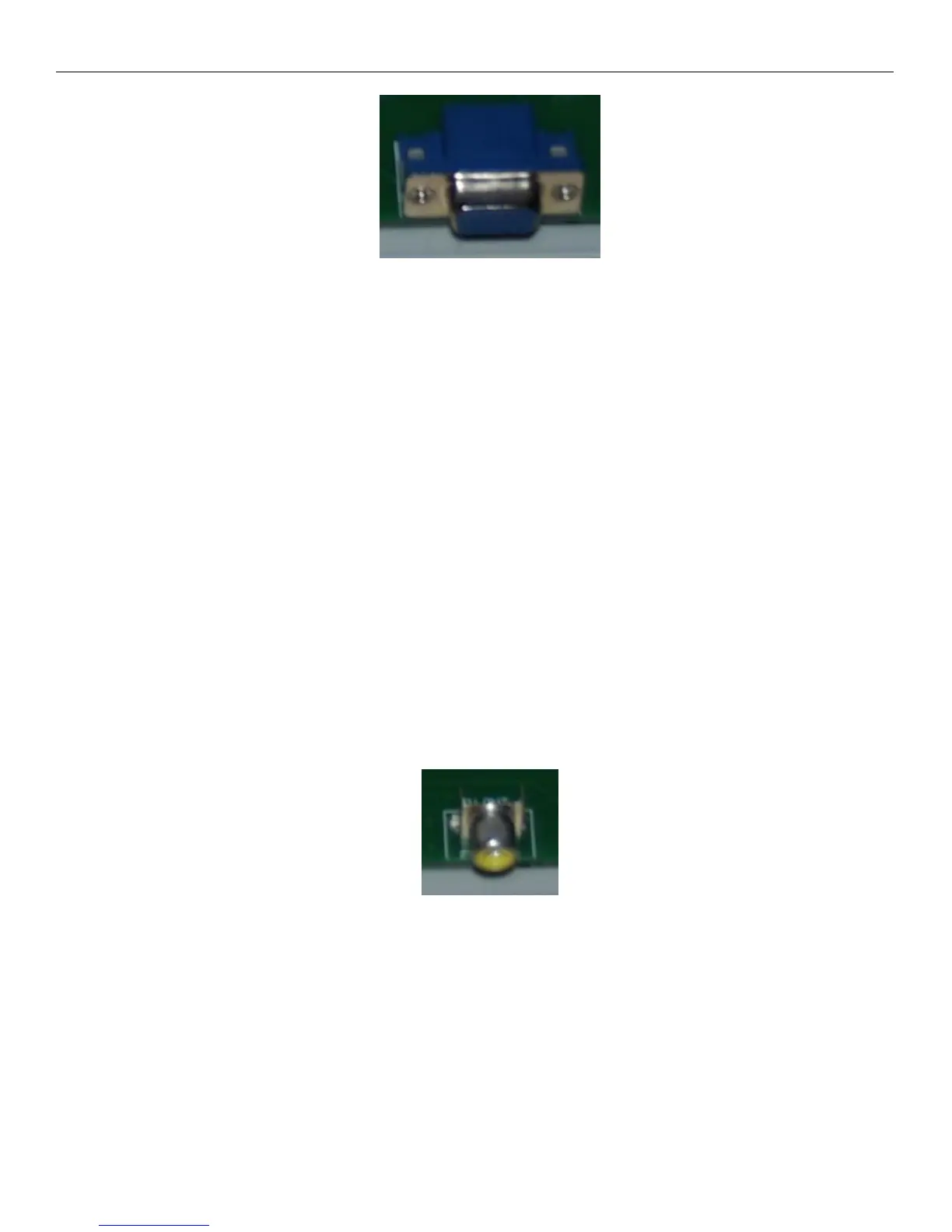
Altair 8800 micro VGA port
The VGA output port is part of the terminal system. Consider all of the I/O ports as part of the terminal
system and you will better understand how everything is connected. The VGA port gives the user an
800X600 display of 80X40 characters with a single color choice that can be modified on the keyboard. The
cursor can also be changed from a blinking square to solid or underscore, blinking or not, or no cursor at all
if you choose. Most monitors work just fine with this system, but it is software driven and not a hardware
VGA driver so some monitors may have more difficulty syncing up with the system. We have found this to
be a very rare occasion and you should have no issues with your monitor as long as it meets the system
specs. When using the VGA monitor in BASIC, you may want to do some cursor controls such as, turn off
the cursor and move the text location to X,Y. You can do these features using what is called VT100
commands. The VT100 commands are essentially code commands that tell the terminal section to perform a
specific function. One example that is commonly used is the HOME CURSOR command:
ESC[H
To use this command in basic the code would look like this:
10 PRINT CHR$(27)+”[H”;
This moves the cursor from wherever it was to the upper-left corner of the screen. Even if the cursor is off,
the next character to be displayed on the screen starts printing there. Other functions can be found in the
appendix section.
Composite video connector
Since the other video output choice is composite monitor, you can choose to use both setups at the same
time if you wish with no issues. The composite video output port is a full color 40X25 NTSC output port
capable of displaying full color characters with text block style graphics. You can turn on/off the cursor
using VT100 codes as well as clear the screen, home the cursor and set X,Y location of cursor. Not all
VT100 codes are capable with the composite output due to the smaller screen size and driver limitations.



 To Next Page