ALTAIR 8800 micro Users Manual
© Briel Computers 2010 page 23
Chapter 4: Powering up and testing Your System
Before you power up your system, it is best if you prep a SD card to load BASIC from. Included on your CD is
a copy of 8KBASIC. Make sure you have an SD card that is formatted in FAT or FAT32. Be sure to copy
BASIC from the SD card over to the root directory of the SD card. If you try to use subdirectories, you will not
be able to load BASIC.
How to format an SD card:
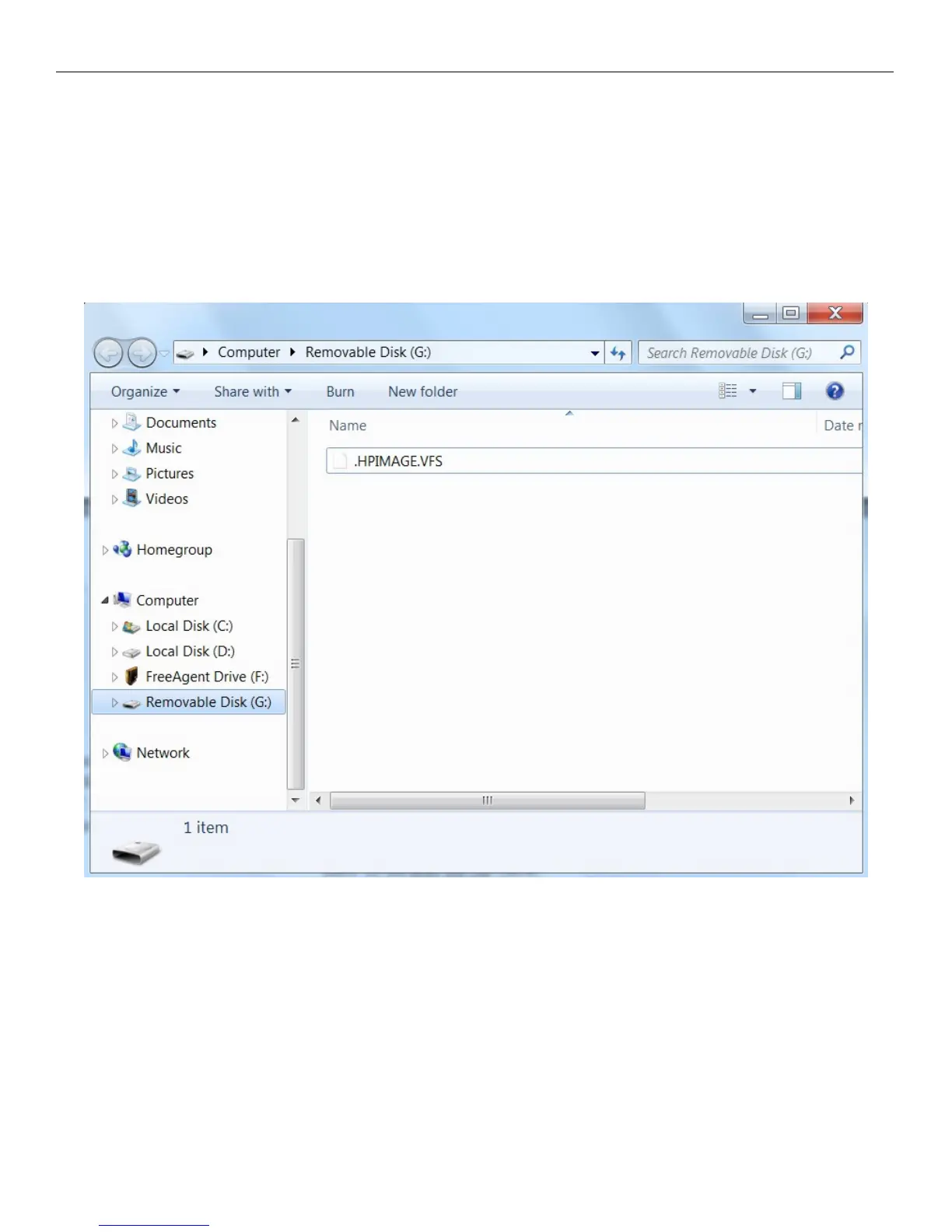
We will show you how to format an SD card using a Windows PC system. First, using Windows Explorer, find
your SD card. In our case, it is labeled as Removable Disk (G). We are simply using the card reader on a
printer to read from. The printer has several memory card slots and we are using one that is labeled SD – MMC.
WARNING: ALL data on the SD card will be erased. Be sure to backup your data first



 To Next Page