ALTAIR 8800 micro Users Manual
© Briel Computers 2010 page 22
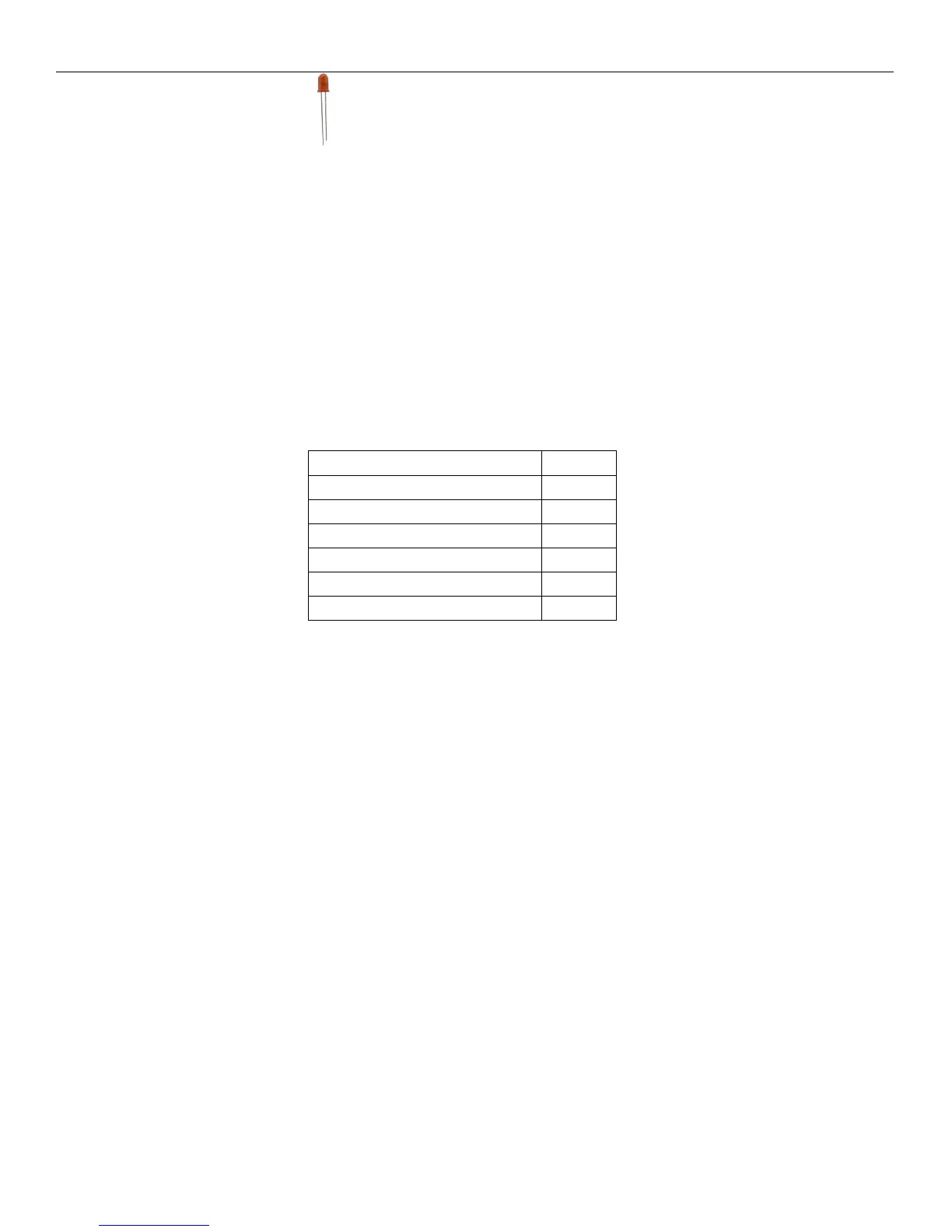
Step 5: Installing the LED’s. The LED’s are polarized and have a + (positive) and a – (negative)
lead. The longer lead is the positive lead. Insert all the LED’s so they are oriented with the longer lead going
into the holes with the + symbol. Place the front panel plate back on over the switches and place the screws in
the mounting standoffs. Turn the panel upside down so the metal front panel is on the bottom. One at a time,
push the LED’s so they go through the metal panel as far as they can. Solder down the LED’s and cut the extra
length off.
NOTE: Take your time and do the LED’s one at a time for the best results.
Inspect your work and make adjustments to the LED’s before cutting the leads off. You can now leave the metal
panel connected to the front panel PCB. At this point both boards are completed and ready to install into the
case.
Inventory of parts to complete the Altair 8800 micro:
PART QTY
FRONT PANEL & PLATE 1
MAINBOARD 1
CASE 1
CONNECTING CABLES 2
MOUNTING SCREWS 6
REAR PLATE 1
The case has a top and a bottom. The bottom has a speaker port that is small round slots. To keep the cost low,
we found a standard enclosure to use and had the front and rear panels made to fit the case. You may discard the
blank black panels as they are not needed. Place the rear panel on one side and slide it down the slotted fitting.
Take the completed mainboard PCB and set it down so it fits on the case and the VGA port and composite
video ports go through their holes slightly. Screw down the six screws into their locations on the board. We
have found that sometimes one hole is not opened up for a screw and that is ok, skip it and move on. Attach the
data cables to the mainboard in locations CABLE 1 and CABLE 2. The cable has a red line on one edge
indicating pin 1. You will notice on the board a number 1 on one corner of the header. Make sure the red edge
matches up with the number 1 on the board. Plug CABLE 2 into the front panel header that is on the upper
middle of the back of the PCB. Pin 1 is lightly labeled on the back on the left side of the header. When
connected properly, there is no twist to the cable. Plug CABLE 1 into the other header on the front panel PCB
that is mounted vertically. Pin 1 is on top so the red cable should be up at the top. There should be only a slight
twist (half turn) on the cable. Slide the front panel PCB with plate into the case slot.
NOTE: Double check your cables to be sure they are installed correctly. Installing the cables incorrectly
could damage your computer.
Now place the lid onto the front and rear panels and make sure they are going into the slots on the case. The
case lid should go on without using any force. The 2 large case screws can now be installed. This completes the
assembly procedures for the Altair 8800 micro. Any trouble shooting of the hardware will need to be done with
the case open.



 To Next Page