ALTAIR 8800 micro Users Manual
© Briel Computers 2010 page 13
Chapter 2: Unpacking Your System
Ok, you’ve just received your Altair 8800 micro system, what do you do next? Well, if you purchased the kit,
you will want to skip ahead to chapter 3 on building your kit. If you have the assembled system, we can guide
you to getting it set up.
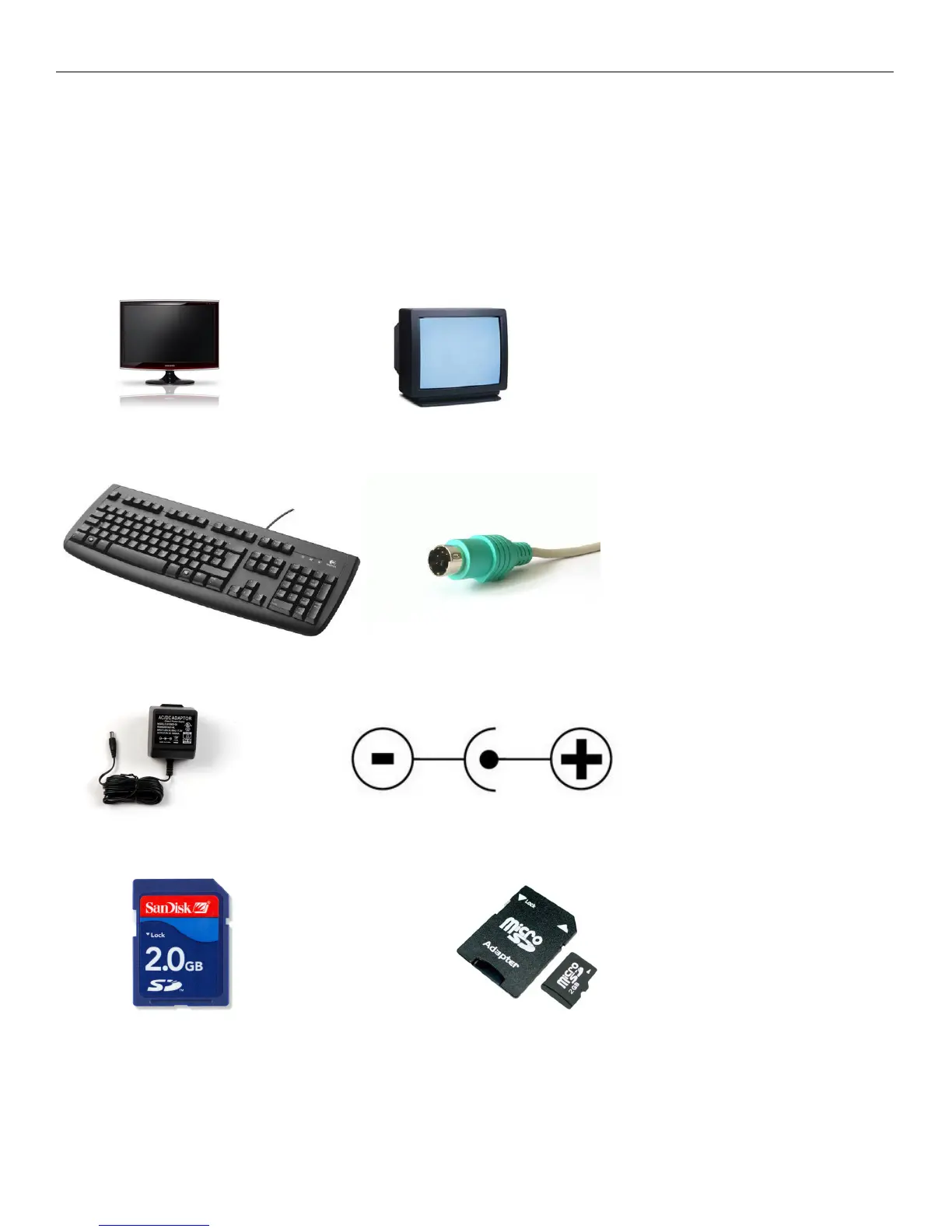
What you need for your Altair 8800 micro:
You can use a VGA monitor or TV with composite input.
Use a keyboard that has the ps/2 connector on it. A USB converter may not work properly.
The power supply needs to be at least 1000mA (1A) 7-9V DC positive center with a 2.1mm connector.
You will need an SD card or you can use a Micro SD card with the adapter to SD.



 To Next Page