19
4.5.2 Fault Finding of Radar Errors
To resolve a system error, the following potential issue must be checked. The system will
return to normal operation automatically when all errors have been resolved
• Sensor CAN ID incorrectly configured.
Action: Unplug all sensors and check CAN ID’s one-by one against system configuration.
• Sensor or extension cable not connected.
Action: Check all connectors are plugged together fully.
• No data connection between sensor and display.
Action: Check for damage on connectors and cable.
• No power connection to sensor.
Action: Check BS-9000 sensor fuse. Check for damage on connectors and cables.
• CAN communication error with sensor.
Action: Check that CAN termination plugs are installed in BS-9000 network
Action: Verify network arrangement follows the guidelines in section 3.8
Action: Try to relocate affected part of the system if cable is routed too close to electrical
noise source from vehicle.
• Data corruption in sensor.
Action: Consult Brigade for advice.
4.5.3 Errors caused by Operating Environment
The Brigade Backsense
®
Systems cannot self-diagnose potential sensor detection issues
caused by the build-up of ice, dirt, mud, heavy rain or immersion in water, which may impede
system performance. To avoid poor system performance, routine maintenance should be
carried out as per section 6.
4.5.4 Camera Errors
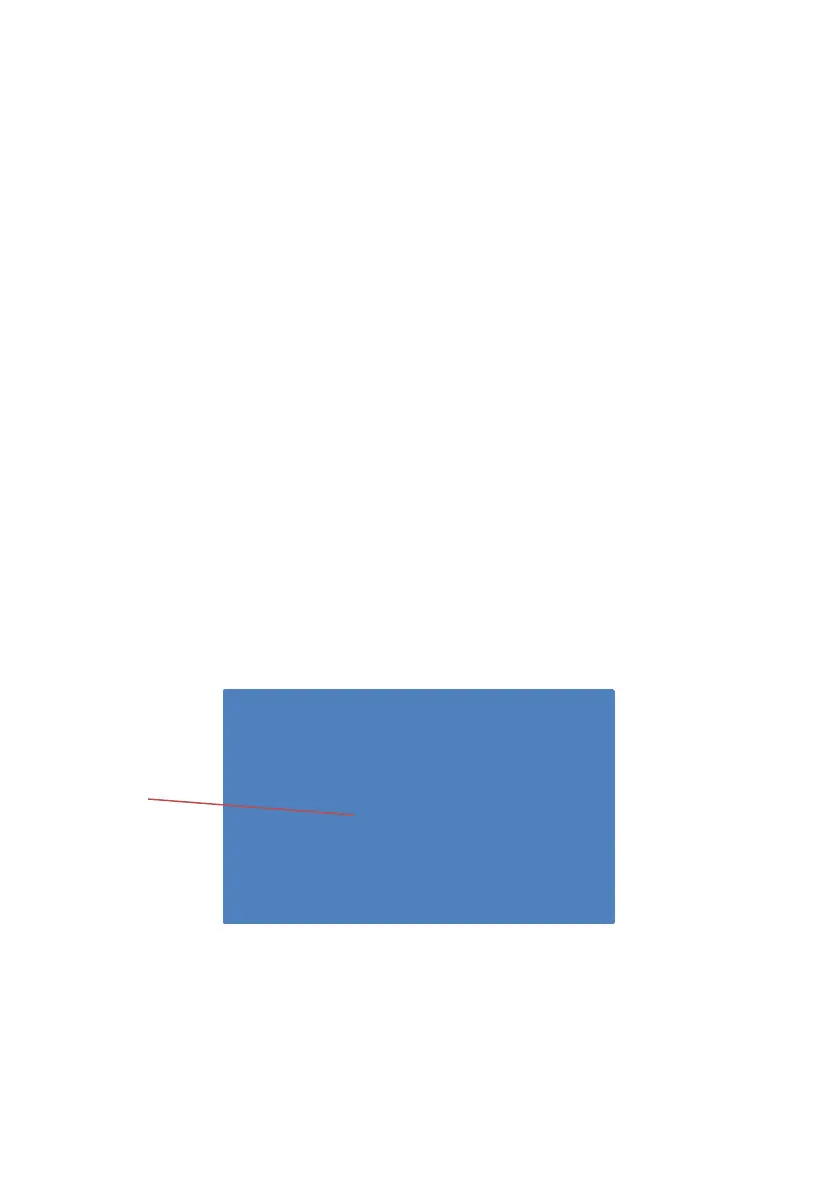
Loss of a selected camera signal will result in a blue screen image transmitted to the display
monitor. Additional cameras that are not in an error state will remain working and all object
detection and alerting functions will continue as normal


 To Next Page