22
5.3 Operation
5.3.1 PC connection
Ensure that the Backsense
®
system is powered and then connect the BS-OSD-022 ECU to
the PC the via the USB connector labelled “PC”.
5.3.2 Running the application
Open the Backsense
®
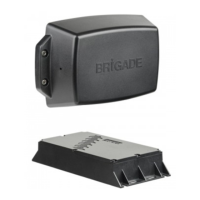
OSD 2 Radar Sensor Configuration Tool by running the executable file
with the icon as below. This will open the Main Control Window.
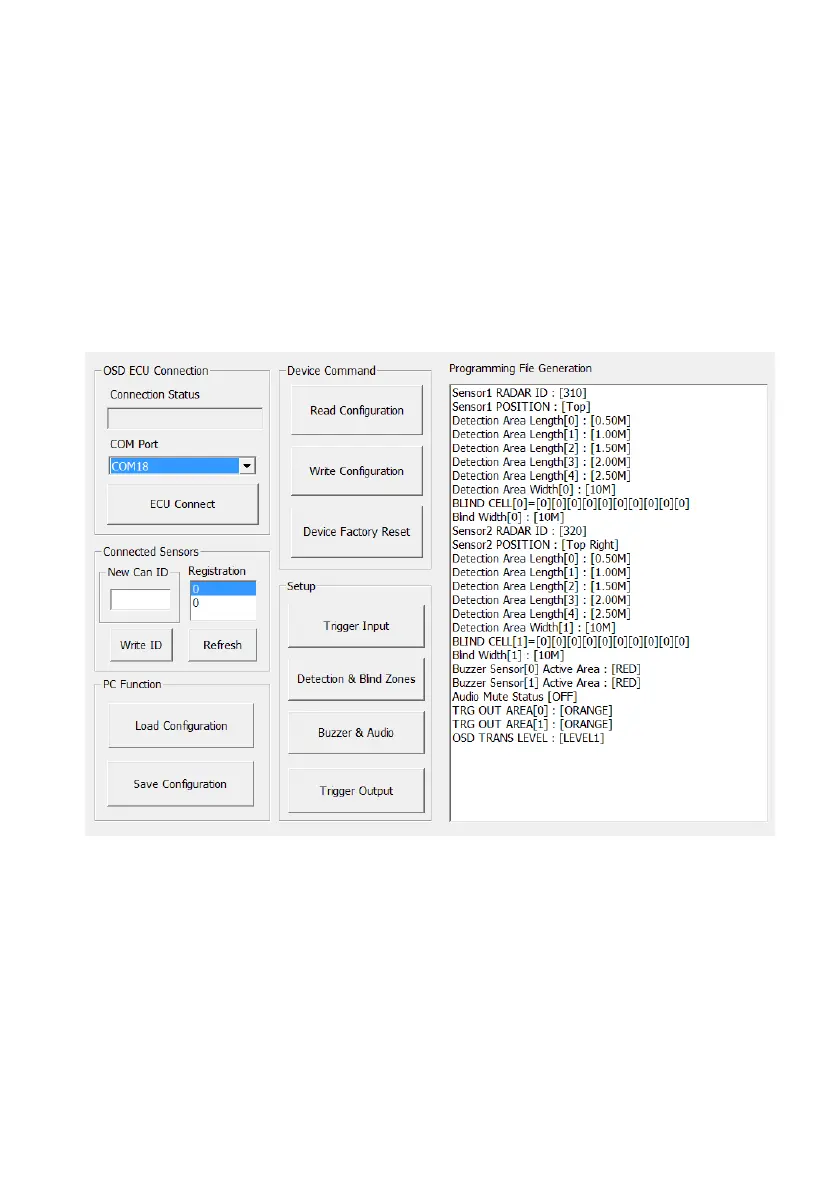
The Main Control Window shows connection status of Backsense
®
OSD ECU as well as
information relating to connected BS-9000 sensors, various buttons for configuration windows
and the Programming File Generation window.


 To Next Page