Page 12 BRIGON 500 NT
TIGHTN´S
P1 90.00
P2 91.00
TIME 120
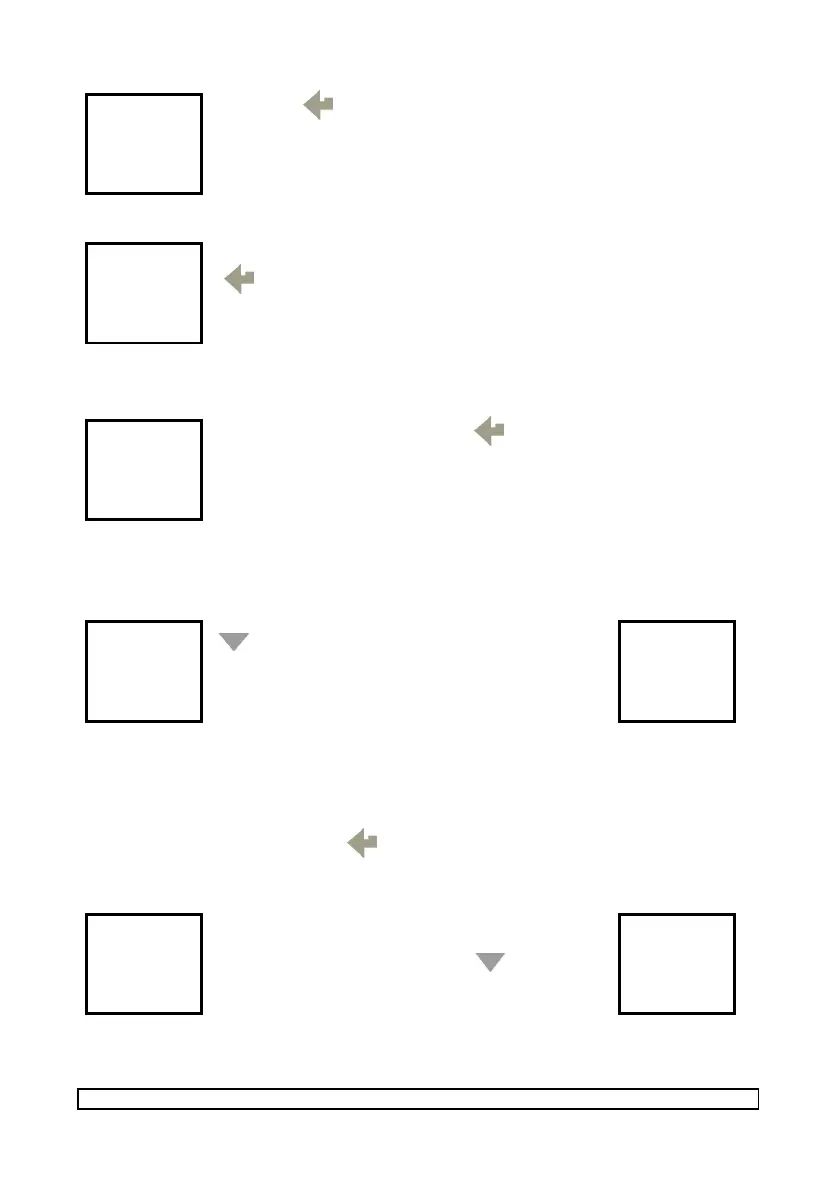
Press the button again. The new measurement is taken during the
pre-defined TIME 02 (standard 120 sec., see Menu PRESSURE) and the
reading Pressure P2 is stored temporarily.
LOG 03
P1 90.00
P2 91.00
PRINT ↓
Once the measurement is taken, the analyser displays the storage cell for
the readings P1 und P2 (e.g. LOG 03). To print our the readings press the
button.
To exit this function turn the rotary switch to any other position.
Rotary switch position ∆T (differential temperature)
TEMP
T1 25.4c
T2 10.2c
∆T 15.2c
To print our the readings press the button
Rotary switch position ext.CO (CO in ambient air)
ROOM CO
TO START
PRESS
↓
To start the Room CO test press the
button. The analyser records 15
sets of 1 minute samples.
TEST = Current measurement number
LOG = storage cell number
ROOM CO
CO 00
TEST 00
LOG 01
Additional function MANOMETER
On switch on press and hold the button, the analyser switches to the MANOMETER
mode. Alle the other functions except for SETUP are not available. To use these functions
switch OFF and again ON your BRIGON 500 NT.
B500NT
12:00:00
01/04/08
TIME 20
Pressure sensor is stabilized within
max. 20 sec.
To zero pressure sensor press the
button. Do not change the position of
the analyser untill the end of the
measurement!
P 15.40
T1 25.4c
T2 10.2c
∆T 15.2c



 To Next Page