27
27
1. SCENE SETTINGS
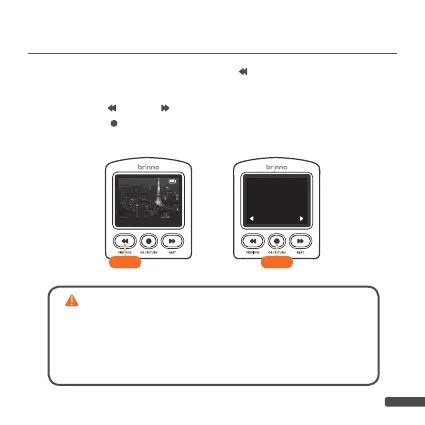
1-1. At PREVIEW SCREEN, press “
” button to go to SCENE
SETTINGS screen.
1-2. Press “ ” and “ ” to select desired SCENE MODE and
press “
” button to confirm and return to PREVIEW
SCREEN.
TWLT
SCENE
SO
MENU
Info
SCHEDULE
Off
HDR AA
Short Outdoor
Construction
Video length: 3 SEC per hour
1-21-1
OK
Each scene setting will produce a different video playback
length. Select a scene based on all your filming needs including
required video length. If none of the preset scenes fit your needs,
switch your camera to full menu mode (
page 24
) and manually se-
lect filming settings (
page 45
). Use the time lapse calculator on our
website (
page 57
) to figure out what film settings are right for you.



 To Next Page
 Loading...

