53
53
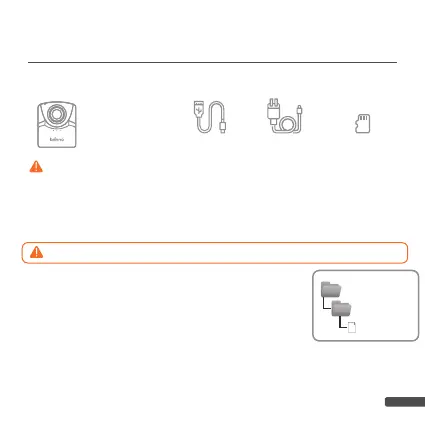
Step 1. Prepare items
Step 2. Copy FW file to microSD card
DOWNLOADING & INSTALLING
THE LATEST FIRMWARE
1. Power off the camera.
2. Install fully-charged batteries.
3. Take out microSD card and insert it to PC (Windows).
4. Download fi rmware zip fi le from:
www. brinno.com/support/download#TLC2000series
5. Right click zip fi le and click <extract all> to access
fi rmware fi le.
6. Open folder and ONLY copy the TLC2K_C.RCF fi le to microSD card in
the 100TLC2K folder(F:DCIM/100TLC2K). The 100TLC2K folder can
be accessed through the DCIM folder.
MUST DOWNLOAD FIRMWARE WITH
WINDOWS ONLY ( NOT COMPATIBLE WITH MAC )
DCIM
100TLC2K
TLC2K_C.RCF
We recommend that the microSD card that came with the camera be used for all fi rmware
updates. If you are using a new SD card that is over 32GB it will need to be formatted by your
camera before it can be used. To format a new SD card, insert the card into your camera and fol-
low the formatting prompts on the LCD screen before you start the fi rmware upgrade process.
Camera with full
charged batteries
*
microSD car d
USB-C cabl e DC Adapte r



 To Next Page