42
1. START
/
STOP RECORDING
(CAPTURE MODE - STOP MOTION )
Start
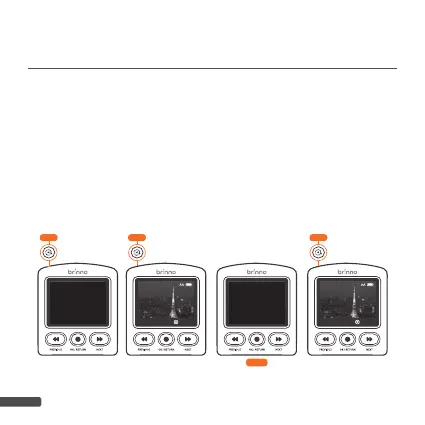
1-9. Press “
SHUTTER
“ button. LCD screen shows “
Initializing
Stop Motion
“ followed by a beep to start recording.
1-10. Press “
SHUTTER
” button to capture single frame.
1-11. LCD screen shows 4 star “
* * * *
” symbols sequentially.
Please hold till the process finish.
1-12. Press “
SHUTTER
” button to capture next frame.
* * * *
Initializing
Stop Motion
1-9
1-10 1-12
Stop Motion REC
TWLT HDR
Stop Motion REC
TWLT HDR
1-11



 To Next Page