Need help?
Do you have a question about the BroadLink e-Remote and is the answer not in the manual?
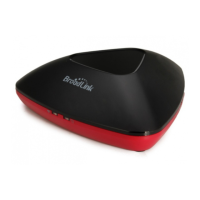
Identifies and illustrates the physical parts of the e-Remote device, including ports and indicators.
Instructions for downloading and installing the Broadlink e-Control mobile application.
Steps to connect the e-Remote device to your Wi-Fi network for initial setup.
Answers to common user queries and troubleshooting tips for the e-Remote device.
Key operational notes, safety precautions, and compliance information for the device.
 General
| Brand | BroadLink |
|---|---|
| Category | Remote Control |
| IR Control | Yes |
| Model | e-Remote |
| Connectivity | Wi-Fi |
| Compatibility | iOS, Android |
| Mobile App | BroadLink App |
| Voice Control | Amazon Alexa, Google Assistant |
| Control Range | Up to 8 meters |

 To Next Page