16
TURNING ON VOICEMAIL TRANSCRIPTION
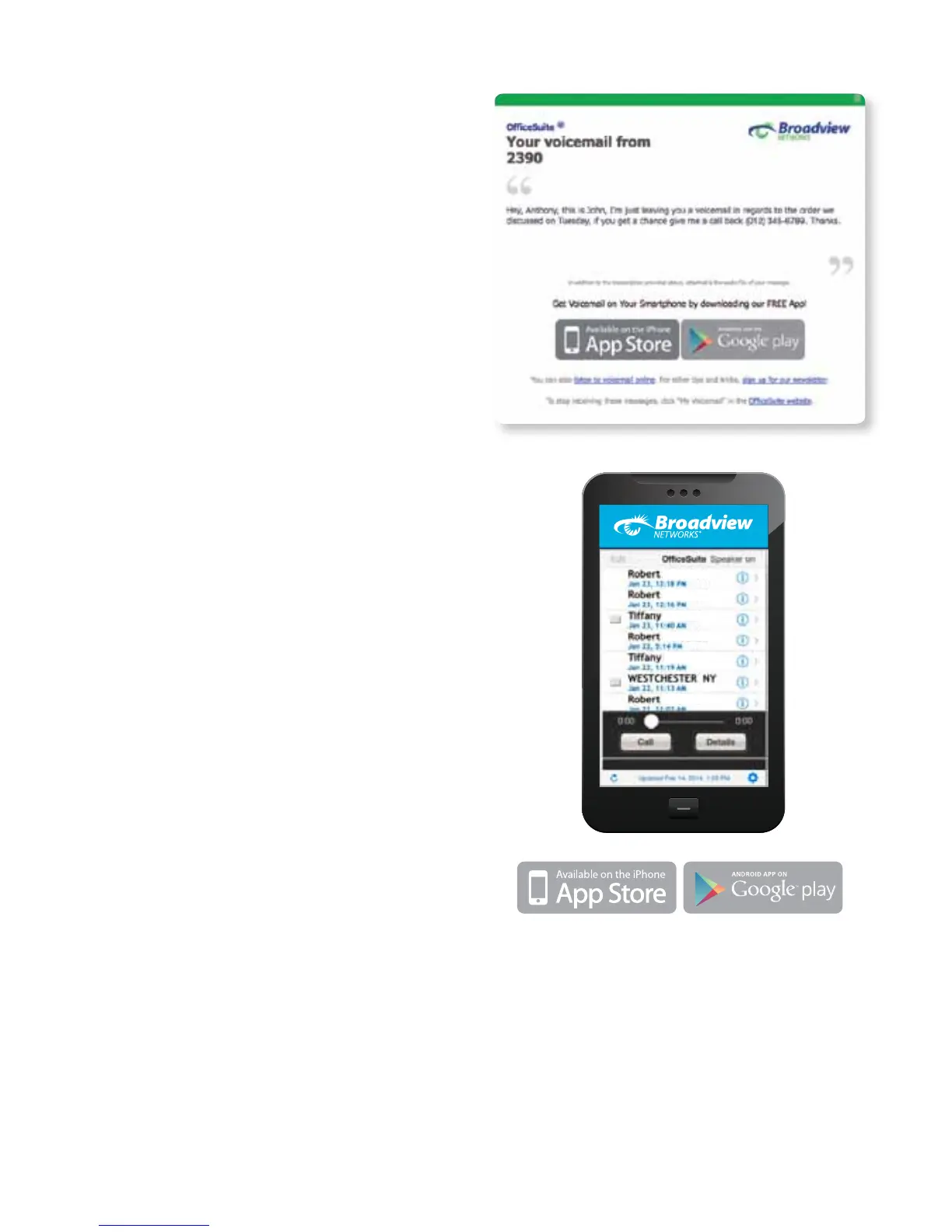
Receive your voicemail messages via email along
with a transcription of the audio. Check the box for
Enable Voicemail Notication and then select
Audio File w/Transcript from the drop-down list.
Monthly charges do apply, see the portal for details.
ACTIVATING AND USING YOUR
VOICEMAIL APP
The OceSuite® Mobile Voicemail App is available
for free. The Voicemail App allows access to your
OceSuite® voicemail messages on your mobile
device and displays a list of all of the messages
in your voicemail box, indicating the time, caller
and status. The app allows you to listen to your
messages and features touch-controlled fast forward
and rewind. It also allows callback, forwarding
and general integration with the contacts on your
smartphone. The app is integrated with the Message
Waiting Indicator on your OceSuite® phone,
so listening to a message in the app marks it as
listened to and the message waiting light on your
OceSuite® phone will go out.
To get the app, simply download
it from your smartphone and follow
the simple instructions.
Using the System



 To Next Page