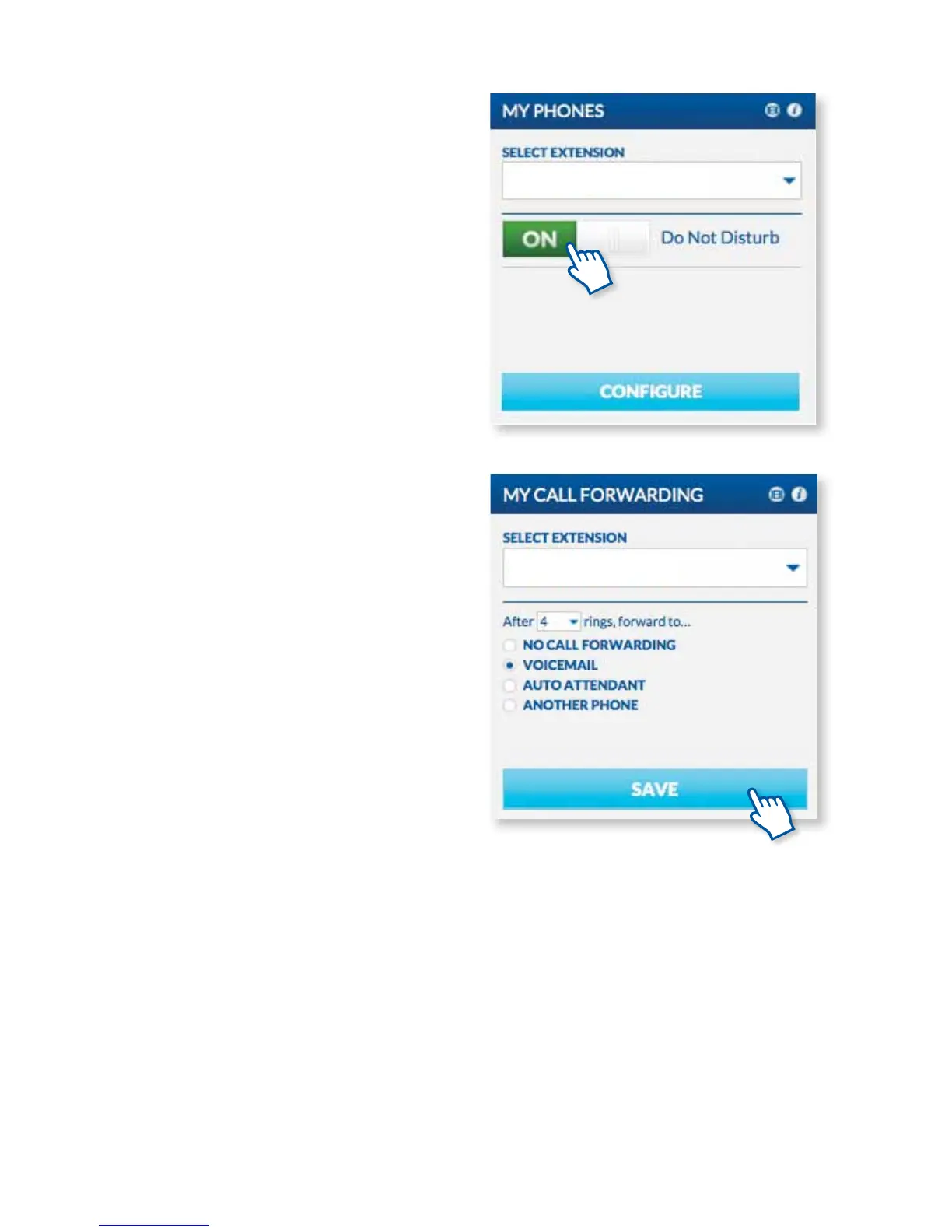
USING THE DO NOT DISTURB FEATURE
Do not disturb is a great feature to use when you do
not want to be interrupted. All calls will be sent to
your voicemail or other coverage and all intercom
requests and pages will also be muted. To turn on Do
Not Disturb, click On on the My Phones Widget.
FORWARDING CALLS TO YOUR VOICEMAIL
You can pre-program your calls to go straight to your
voicemail easily through the MyOceSuite™ portal.
Just click on the My Call Forwarding widget and
select Voicemail, then press Save. When you receive
an unwanted call, press the key you programmed as
FWD to Voicemail to forward the caller directly into
your voicemail box.
INTERCOM YOUR COWORKERS
You can contact your coworkers quickly by
programming an Intercom button. Go to the My
Phones widget in the MyOceSuite™ portal and
select Congure. Here you can program any empty
“Unassigned Key” to be your Intercom button, just
select the Intercom to Prompt/Extension option
from the drop-down menu. You will then see that
Intercom has been saved as one of your new speed
dial buttons. To intercom a coworker, hit your
Intercom button and then the person’s extension
to intercom them.
Using the System
19



 To Next Page