26
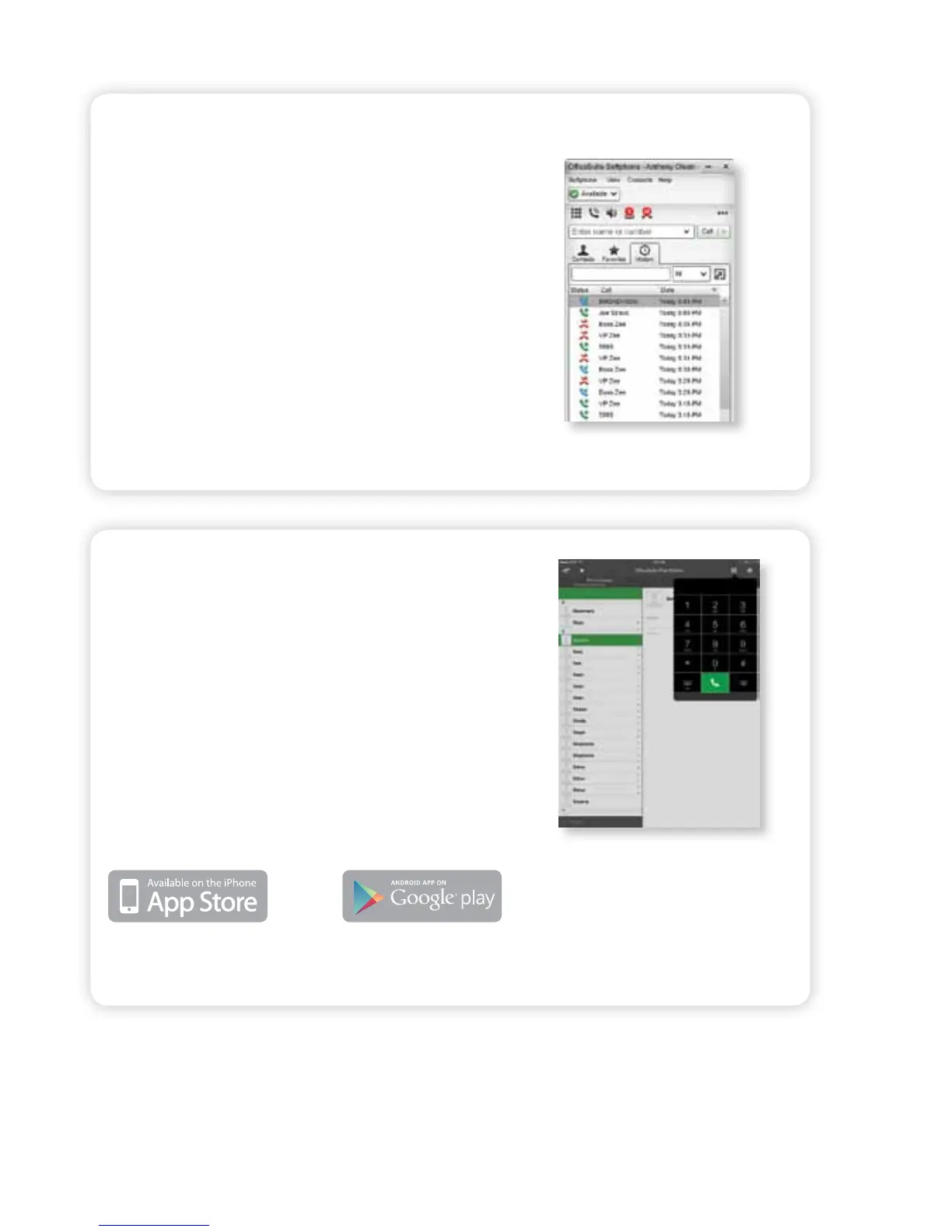
PC SOFTPHONE
With this feature, you can turn any PC or laptop
into a fully-functional phone that is part of your
OceSuite® system. It utilizes the same extension
and features as your desk phone, oering seamless
communications from anywhere. The Softphone
can handle up to three simultaneous calls and can
also be used to record and store calls as .wav les,
helping mobile professionals safeguard their
communications.
MOBILE SOFTPHONE
OceSuite® Mobile Softphone empowers you to work
from anywhere using your regular extension from
virtually any smartphone and tablet including iPhone®,
iPad® and Android™. You can make and receive calls
directly from the device of your choice, but use your
business number. No longer use your personal cell
phone minutes to make business calls, or worry about
international or long distance charges.
Apple Users – Go to the Apple
store and download
Android Users – Go to the Google
Play store and download
Optional Features and Services
*Additional fees may apply for optional features.



 To Next Page