28
1(800) BROADVIEW
calling...
1(800) BROADVIEW
calling...
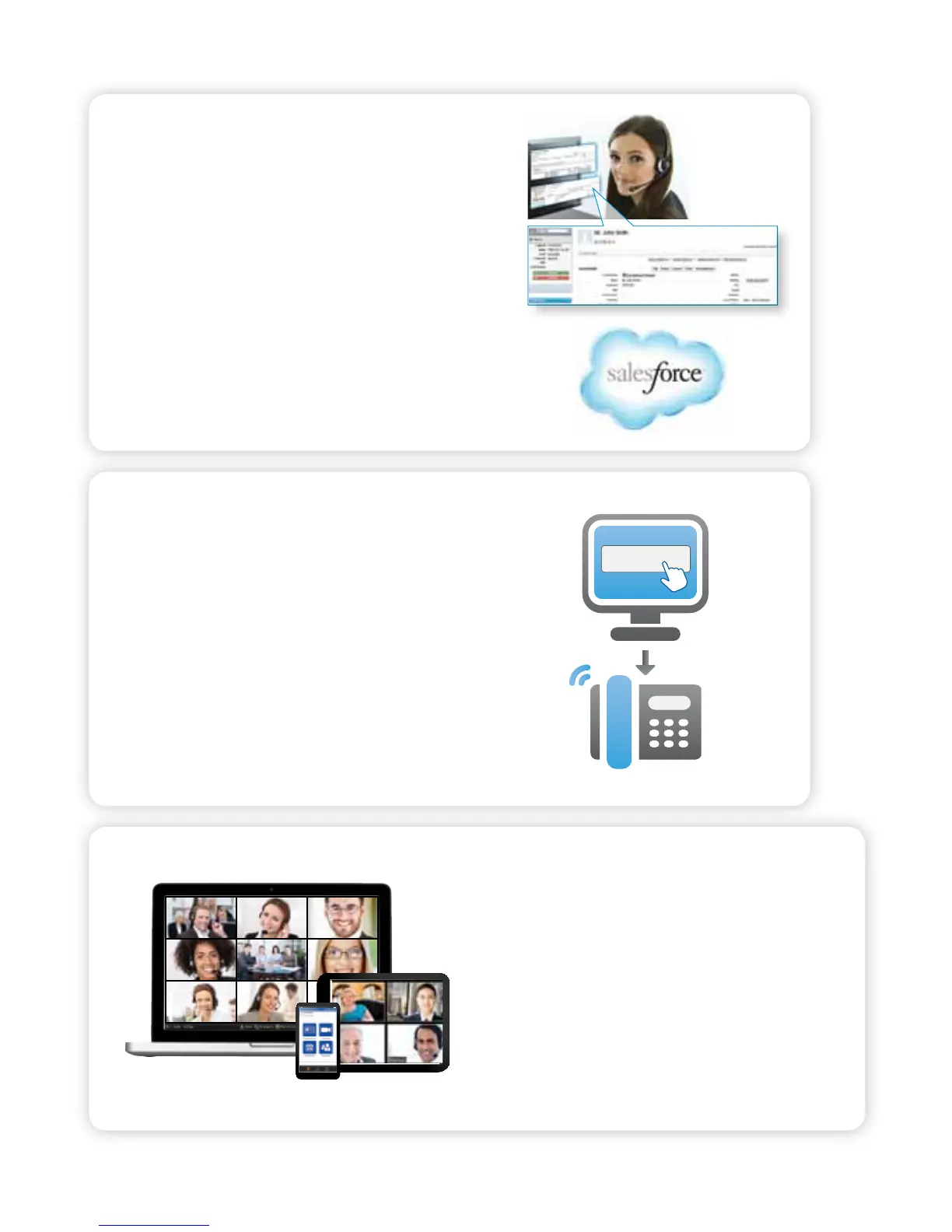
CRM CONNECTOR FOR SALESFORCE.COM
Vastly improve employee productivity and visibility
by connecting your Salesforce.com account to
OceSuite®. Your sta will increase sales and provide
better customer service by knowing who is calling
before answering the phone with automatic screen
pops, click-to-answer and dial functionality, reporting,
and note logging capabilities right through Salesforce®.
OFFICESUITE® DIALER
OceSuite® Dialer allows you to initiate calls to any phone
number on your Windows-based computer or device,
creating tight integration with your OceSuite® phone
system. The OceSuite® Dialer allows you to dial contacts
right from within Microsoft® Outlook®. When a phone
number is clicked, a call will immediately be launched to
your OceSuite® phone.
HD MEETING
With OceSuite HD Meeting®, you can host
online meetings, HD video conferences and
audio conferences for up to 100 people
from virtually any device. Meeting organizers
and participants can use any phone, any PC
or Apple Macintosh computer, or even an
iPhone®, iPad® or Android™ device to host or
join a meeting.
*Additional fees may apply for optional features.
Optional Features and Services



 To Next Page