Quick Start Guide – Managing Features through the MyOceSuite™ Portal
PROGRAMMING BUTTONS: SPEED DIALS AND
FORWARDING CALLS TO OUTSIDE PHONES
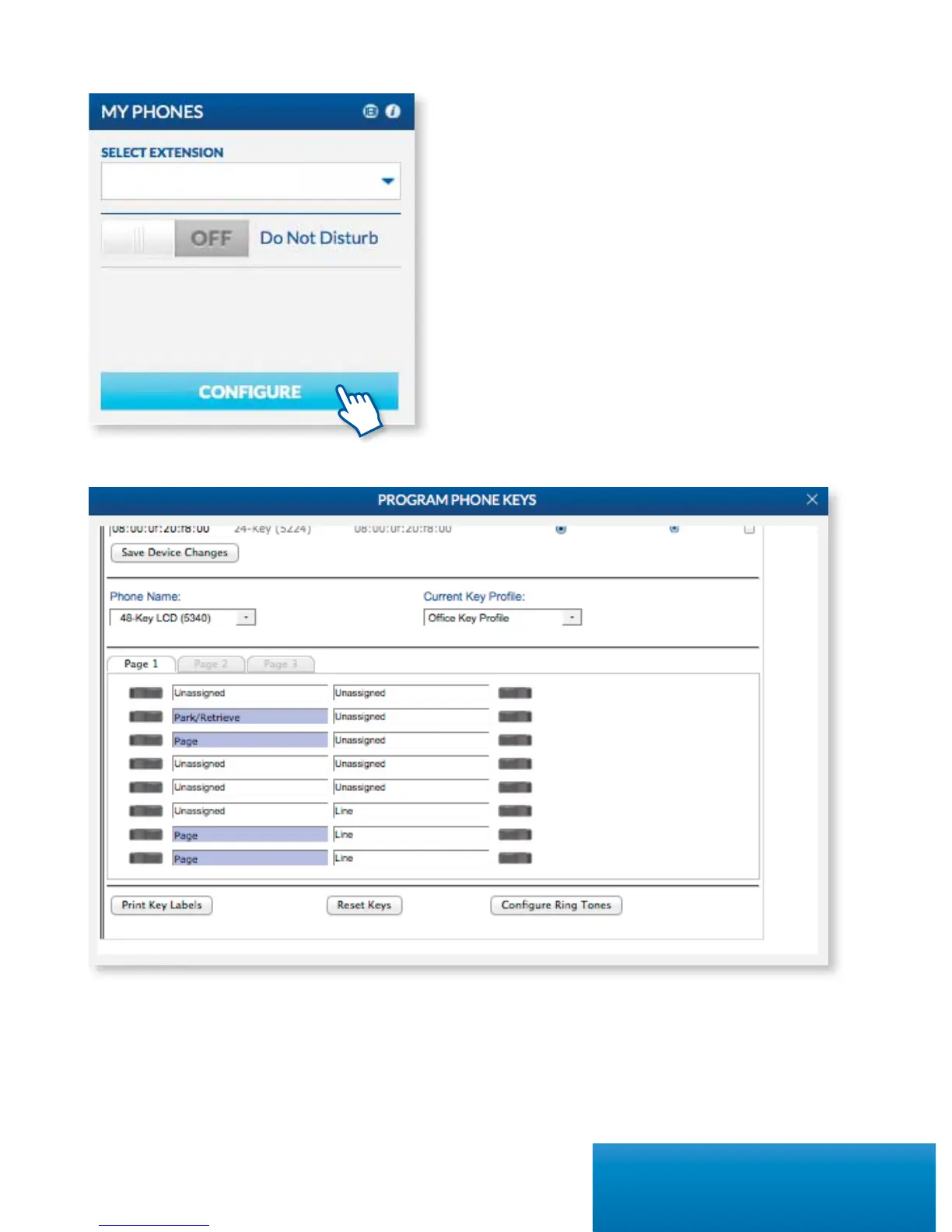
OceSuite® Phone enables you to program any
assigned keys on your phone to whatever numbers
you’d like. The most popular buttons to program are
Speed Dials, Forward to Voicemail or Cell, Intercom
and Do Not Disturb. To program your buttons, click
on Congure on the My Phones widget and click
on the button next to any unassigned key and select
from the drop-down menu the type of button you’d
like to program, enter the number, label it and
click Save.
*All external numbers must be entered with 9 + 1 + then the number in order to function properly.
7Quick Start Guide



 To Next Page