EasyManua.ls Logo

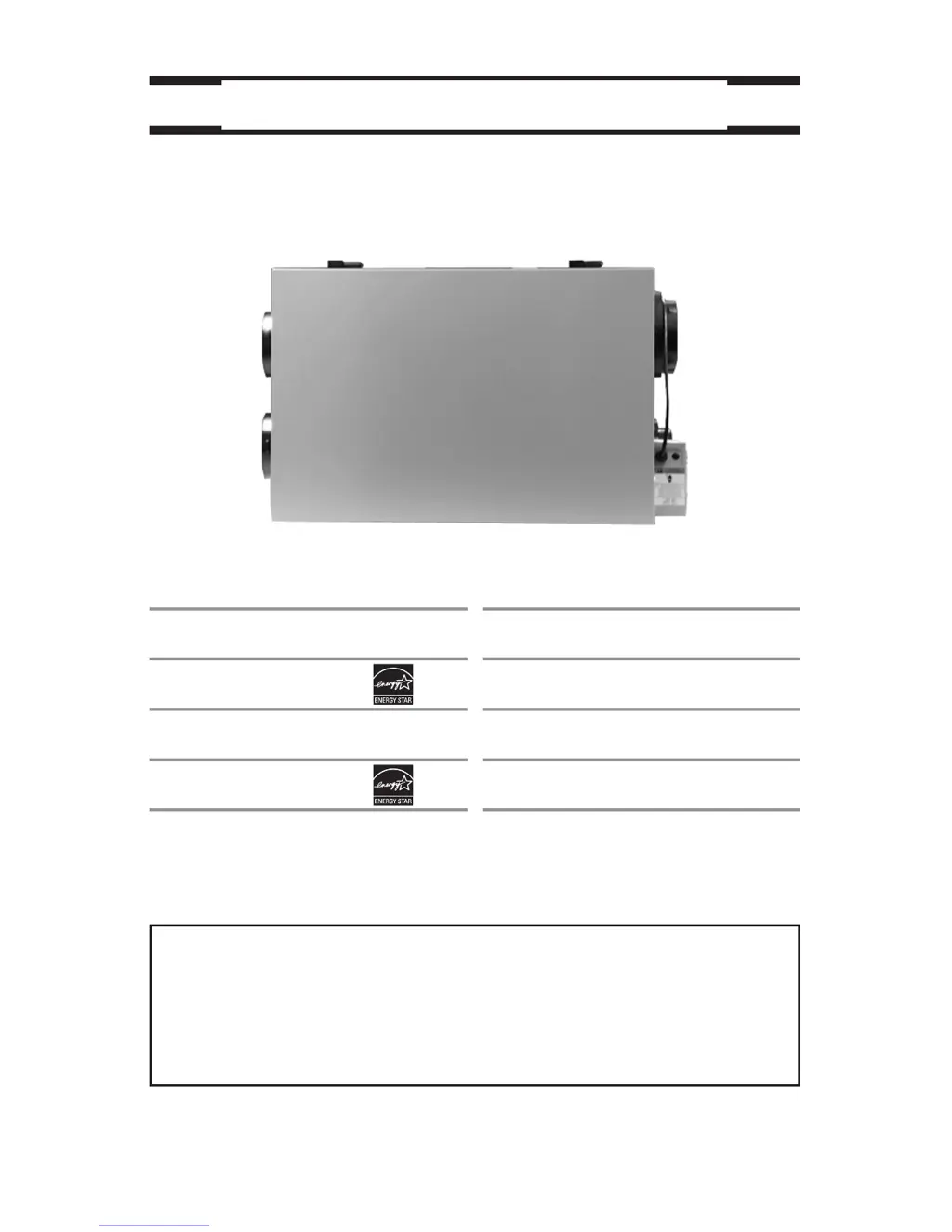
Broan ERV200HC - User Manual

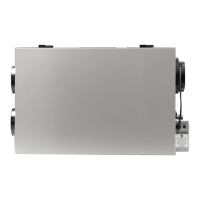
Broan ERV200HC
22 pages
Print Icon
To Next Page IconTo Next Page
Loading...
User Manual
VENTILATION SYSTEMS
VB0065
vänEE Canadian Model Numbers
1001 ERV
1001 HRV*
2001 ERV
2001 HRV*
Broan U.S.A. Model Numbers
HRV100H
HRV200H
ERV100HC
ERV200HC
* These products earned the ENERGY STAR® by meeting strict
energy efficiency guidelines set by Natural Resources Canada
and the US EPA. They meet ENERGY STAR requirements only
when used in Canada.
03118 rev. 08
Address of your installer
To register your Broan product on line visit: www.broan.com/register

Other manuals for Broan ERV200HC

Questions and Answers

  • M
    Michelle MossSep 6, 2025
    Why does my Broan Platinum or Deco-Touch Fan wall control screen alternate between normal display and E3?
    • G
      Gregory ColeSep 6, 2025
      If your Broan Platinum or Deco-Touch wall control screen alternates between the normal display and E3, the Platinum or Deco-Touch wall control may be defective and needs to be replaced.
  • B
    barbaramercadoDec 1, 2025
    What to do if Broan ERV200HC defrost cycle does not work?
    • D
      Darryl GonzalesDec 1, 2025
      If the defrost cycle on your Broan Fan isn't working, it could be due to several reasons. Ice deposit may be hindering the damper operation, so remove the ice. The damper rod or the port damper itself may be broken, so inspect these parts and replace if necessary. The damper actuator may be defective: plug in the unit, select “MIN” or “MAX”, and press the door switch to see if the port damper opens. If it doesn’t, feed 120V directly to the damper actuator, and if it still doesn't open, replace it. The circuit board may be defective. Unplug the unit, unplug the defrost sensor wire, plug the unit back in, select “MIN”, and ensure the unit is adjusted for low-speed operation. If this doesn't happen, replace the circuit board. Finally, the thermistor may be defective. If the defrost mode works...
  • T
    Tiffany MorganSep 18, 2025
    Why is no outside temperature displayed on the screen of my Broan Fan Platinum wall control?
    • A
      Alyssa GravesSep 18, 2025
      If there is no outside temperature displayed on the screen of your Broan Fan Platinum wall control, set the wall control on MIN or MAX in VENT Mode. If the problem persists, contact your installer.
  • M
    melissagrahamSep 16, 2025
    How to fix air that is too dry with my Broan ERV200HC?
    • E
      Elizabeth StevensSep 16, 2025
      If the air is too dry when using your Broan Fan, temporarily use a humidifier.
  • M
    Mary AlvarezSep 14, 2025
    What to do if error code E1 or E3 appears on the screen of my Broan ERV200HC wall control?
    • L
      Laurie BakerSep 15, 2025
      If error code E1 or E3 appears on the screen of your Platinum or Deco-Touch Broan Fan wall control, contact your installer.
  • J
    Joshua SmithSep 13, 2025
    How to fix air that is too cold at the air supply grille of my Broan ERV200HC Fan?
    • T
      tcampbellSep 13, 2025
      If the air is too cold at the air supply grille of your Broan Fan, operate the unit at low speed (MIN.) or temporarily switch to the intermittent mode.
  • G
    garrett36Sep 12, 2025
    What to do if all light indicators on the Broan ERV200HC wall control are flashing?
    • T
      Timothy JenkinsSep 12, 2025
      If all the light indicators on your Broan Fan wall control are flashing, clean the fan assembly. If the problem persists after cleaning, contact your installer.
  • S
    Stephanie SmithSep 9, 2025
    Why is there condensation on my windows with Broan Fan?
    • S
      Stephanie WoodardSep 9, 2025
      If you're experiencing condensation on your windows, indicating the air is too humid, adjust the humidity control knob as per instructions. Operate the Broan Fan at maximum speed during activities that generate excess humidity, such as family gatherings or extensive cooking. Leave curtains half-open to allow air circulation. Store firewood in a closed room with a dehumidifier, a well-ventilated room, or outside. Keep the temperature in your house above 18°C (64°F), and do not adjust your Dehumidistat below -20°C (-4°F).
  • K
    Kathleen KaneSep 7, 2025
    Why is there a difference between the temperature displayed and the real temperature on my Broan Platinum Fan wall control?
    • M
      Michael JenningsSep 7, 2025
      If there's a significant difference between the displayed and actual temperature on your Broan Platinum wall control, the unit thermistor may be defective, so replace it. Alternatively, the unit damper might be blocked or broken; check its operation and replace if necessary.
  • A
    Aaron LeeAug 21, 2025
    What to do if Broan ERV200HC unit does not work?
    • P
      poneillAug 21, 2025
      First, unplug the Broan Fan unit. Disconnect the main B control and the optional G control(s), if applicable. Jump the B and G terminals, then plug the unit back in. If the motor runs on high speed and the damper opens, the circuit board is likely not defective. Alternatively, the power cord fuse may be blown. To check, unplug the unit and unscrew the fuse holder. If the fuse strand is broken, replace the fuse according to the specifications on the unit power cord tag.

Summary

ABOUT THIS MANUAL;PRODUCT

General Safety Warnings and Notes

Covers WARNING, CAUTION, and NOTE symbols, plus specific safety advice.

YOUR UNIT AND ITS PURPOSE

Unit Description

Details the components of the ventilation unit with a diagram.

Purpose of the Ventilation System

Explains how the system provides fresh air and removes stale air.

Recovery Process

Explains heat and humidity recovery core functions and examples.

Defrosting Mechanism

Describes the unit's defrost cycle to prevent frost buildup.

Technical Specifications

Lists dimensions, weight, power supply, and consumption for models.

HOW TO OPERATE THE UNIT USING CONTROLS

Control Device Overview

Introduces main and optional controls and their respective page references.

Platinum Main Control Operation

Details on-screen indicators, keys, and setting preferences for Platinum control.

Deco-Touch Main Control Operation

Explains backlight, operating modes, and adjustments for Deco-Touch.

VT1 W Main Control Operation

Covers air supply and condensation control adjustments for VT1W.

VT2 W Main Control Operation

Explains air supply, condensation control, and light indicators for VT2W.

Dehumidistat and 3-Position Switch

Details on using the Dehumidistat and 3-Position Switch controls.

Optional Controls Operation

Explains the use of 20-Min, 20/40/60-Min timers and crank timer.

MAINTENANCE

Three-Month Maintenance

Step-by-step guide for quarterly cleaning of filters and components.

Annual Maintenance (Fall)

Instructions for yearly cleaning of the recovery core and fan wheels.

TROUBLESHOOTING

Common Problems and Solutions

Lists typical issues and troubleshooting steps for the unit.

Broan ERV200HC Specifications

General IconGeneral
TypeEnergy Recovery Ventilator
Airflow Capacity200 CFM
Airflow @ 0.2 in. wg200 CFM
Voltage120 V
Supply Voltage120 V
Frequency60 Hz
Dimensions28.75 x 20.25 x 12.5 in
Weight45 lbs
Sensible Recovery Efficiency (SRE)74%
Housing MaterialSteel

Related product manuals