DATA CENTER CONFIGURATION GUIDE
Configuring an iSCSI SAN Using Brocade FCX Switches 9
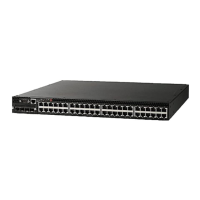
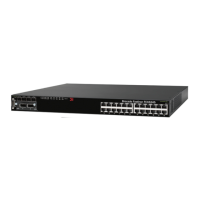
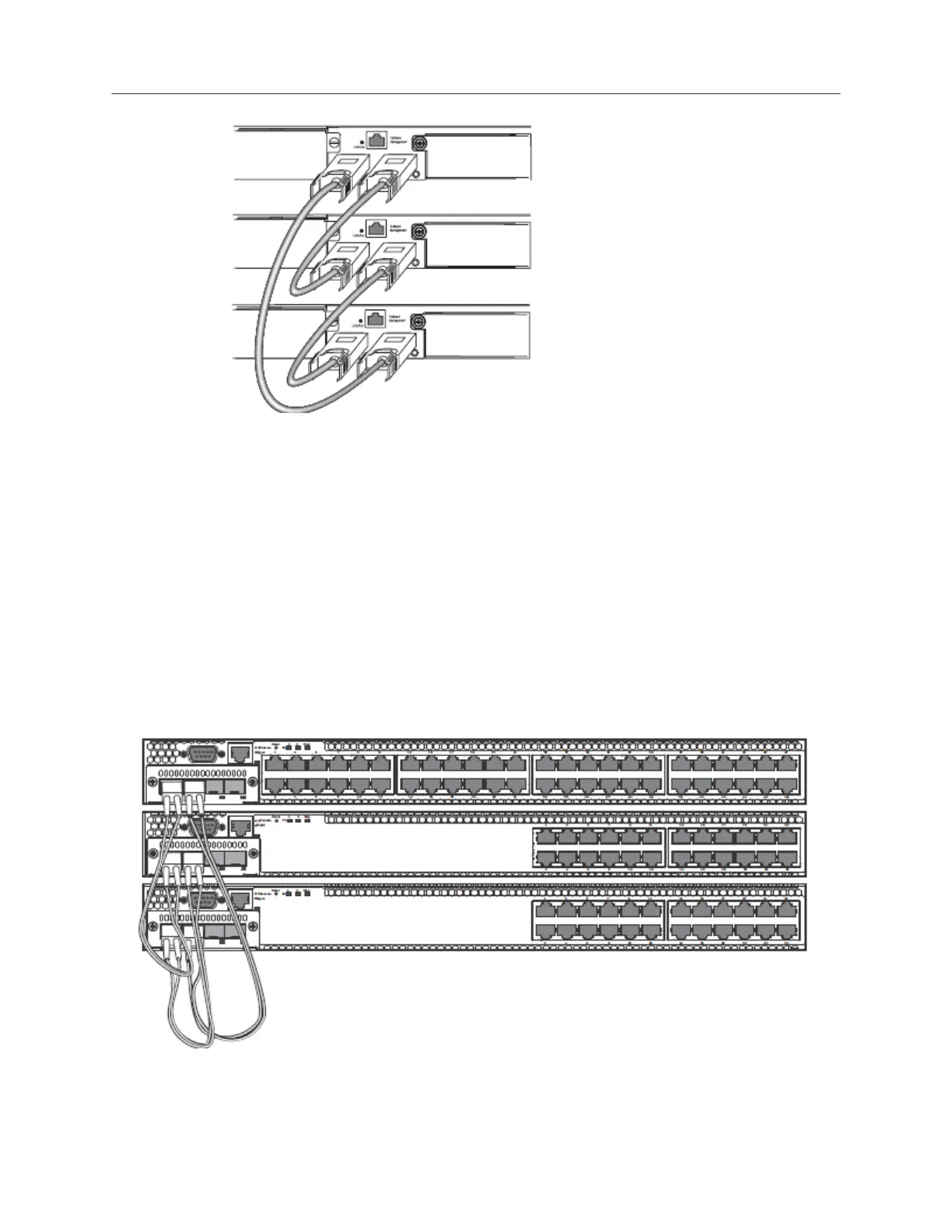
Figure 1. Connecting Brocade FCX-S switches in a ring topology stack
Connecting Brocade FCX-E Switches
NOTE: Brocade FCX 648-E switches must have a 4-port 10 Gbps SFP+ module (optional) installed to
operate in a stack.
A stack can contain up to eight Brocade FCX-E switches. To connect Brocade FCX-E switches in a stack:
1. Plug one end of an LC-LC MM Fiber cable into one of the top unit’s SFP+ stacking ports.
2. Plug the other end of the cable into one of the stacking ports of the next unit.
3. Repeat steps 1 and 2 for each unit in the stack. Form a simple chain starting with a stacking port on the top
unit and ending at a stacking port on the bottom unit (stacking up to eight units).
4. (Optional) To form a ring stack topology, plug one end of an LC-LC MM Fiber cable into the remaining
stacking port on the bottom unit and the other end into the remaining stacking port on the top unit.
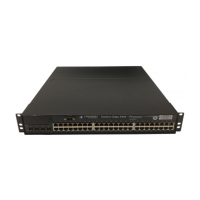
Figure 2. Connecting Brocade FCX-E switches in a ring topology stack


 To Next Page
 Loading...