MANUAL
11
3.2.13 Mute / Pause Button
Centered, at the very top of the plug-in, there is a MUTE/PAUSE button. When set to Mute (an “M” sign is showing)
the plug-in will (assuming that there is automation that activates GRIP) go silent when the DAW is pressed to stop.
This means that if you want to audition the plug-in when the DAW is not playing, the Pause function must be acti-
vated (a Pause sign is showing). When the DAW is set to play GRIP will play no matter what, and a Play symbol will
show.
In short:
GRIP can always be heard.
GRIP can only be heard when DAW is playing.
DAW is playing. GRIP can be heard.
3.2.14 Mixer Section
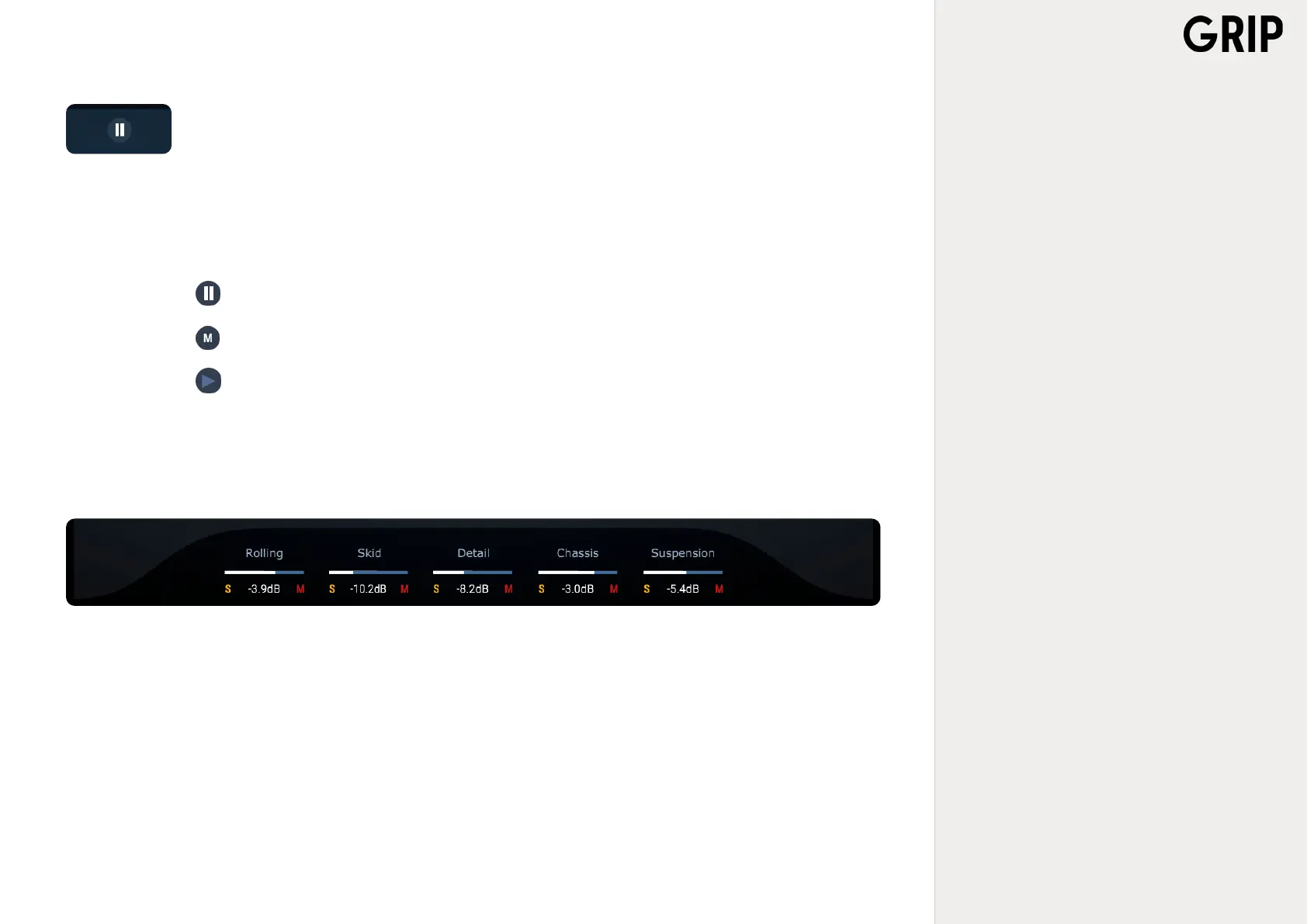
At the very bottom of the plug-in there are several sliders that control the main levels of each sound category of GRIP: ROLLING, SKID,
DETAIL, CHASSIS and SUSPENSION. These let you ne-tune the mix and bring it to perfection. Attached to each one of these there are
also corresponding SOLO and MUTE buttons.



 To Next Page