MANUAL
8
ior and Exterior perspectives. When set to Interior, Angle and Distance (see below) are bypassed. All sound sources inside GRIP are
affected by this function, meaning that if, for example, the switch is made during the middle of a skid, not only does the rolling sound
change perspective, but also the skid, the detail and the chassis interaction sounds follow suit.
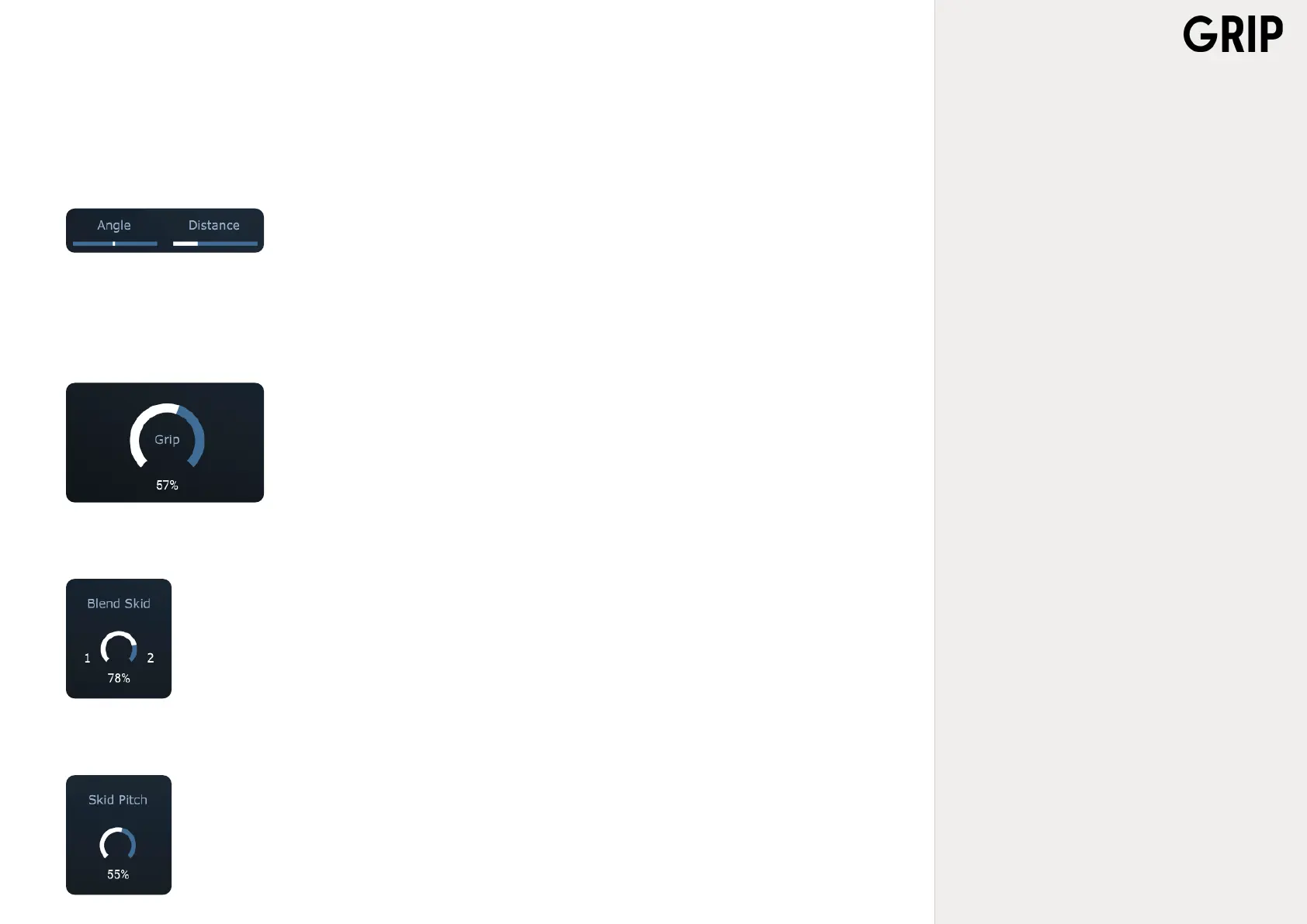
3.2.3 Angle and Distance
Below the Int/Ext button there are two sliders, ANGLE and DISTANCE. In Exterior mode these allow
positioning of the vehicle-audio on a 3D plane. Increasing the Distance will give the illusion of the
sound source moving away from the listener, and moving Angle left or right will move the audio
correspondingly, as would a panning knob.
3.2.4 Grip
In the lower left corner, there is a dial knob, GRIP. This is a function that represents how much
traction, or grip, the surface the vehicle has with the current surfaces. When Grip is set to 100%, the
wheels have full traction and are fully in contact with the surface. Lowering the amount of Grip will
produce a skidding sound. The lower the amount of grip, more intense skidding sounds are produ-
ced.
3.2.5 Blend Skid
Each surface contains two different skid samples, Skid 1 and Skid 2. BLEND SKID, which can be found to the right
of the Grip knob, enables blending between these two samples. The purpose of this function is to create more di-
versity and realism to the tracklaying and editing.
3.2.6 Skid Pitch
SKID PITCH is used to manipulate the tone-height of the Skid samples. Similar to how the Blend Skid is used to
create more diversity to the sound picture, Skid Pitch introduces a touch of drama and liveliness to the soundtrack.



 To Next Page