MANUAL
9
3.2.7 Surface Dropdown Menus
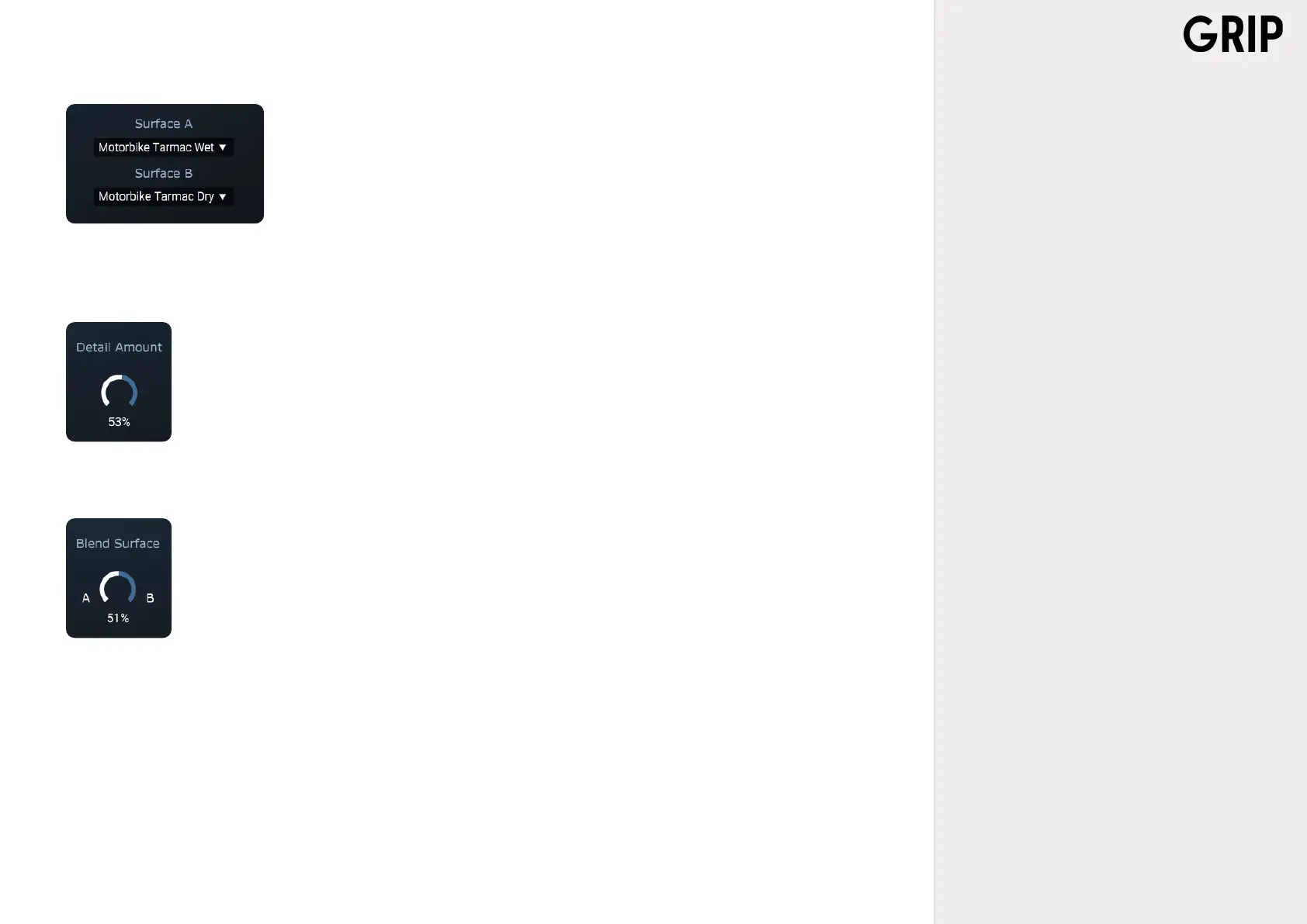
On the lower right side of the GRIP-plug-in there are two dropdown menus, SURFACE A and SURFA-
CE B. GRIP allows to simultaneously load two different surface-types so that, for example, if the
vehicle moves over tarmac and suddenly enters a gravel road, a seamless switch between the two
can be made.
3.2.8 Detail Amount
Each surface has an additional detail-layer of audio with the purpose of introducing more life and spark to the
sound-picture. DETAIL AMOUNT, just to the left of the surface dropdown menus, enables adjustment of just how
much of detail should be brought into the mix.
3.2.9 Blend Surface
To the left of the Detail Amount knob, there is a dial button called BLEND SURFACE. It allows choosing between
the two surface types that are selected in the dropdown menus, as described above.



 To Next Page