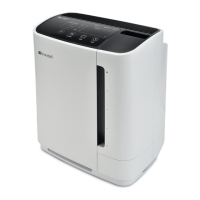
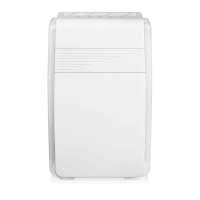
5 FILTER REPLACEMENT
The Filter Replacement Indicator will notify you when it is time to change the lters. To change
the lters, follow these steps:
1. Turn the unit off by pushing the Power Button, then unplug the power cord.
2. Gently pull the top part of the Front Panel towards you using the side recesses. Lift the
hooks of the Front Panel out of the bottom of the appliance.
3. To remove the Mesh Pre-Filter, hold both pull-tabs in the center of the lter and pull
towards you.
4. Pull the white tab on the top of each of the following lters to remove them.
5. Make sure to remove the plastic on the new replacement lter before installing, and be sure
to put them in the following order:
a. TrueHEPA Filter goes in rst
b. The Activated Carbon lter goes in second
c. Finally, replace the Mesh Pre-Filter as the last step
6. Replace the Front Panel by putting the hooks in the bottom rst and closing.
7. Plug the unit back in and press the Power Button.
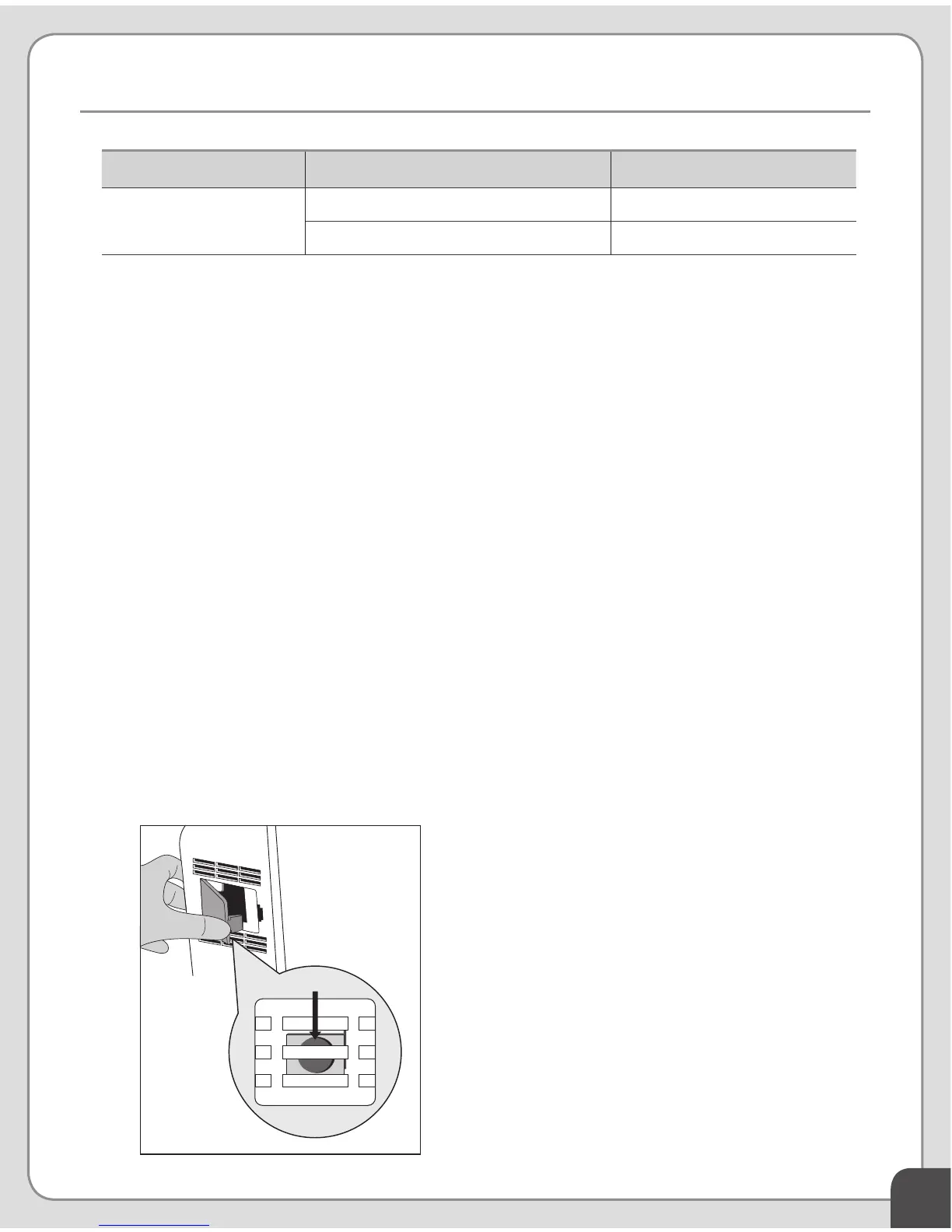
8. Press the Filter Reset button to reset the lter use timer. The Filter Reset button is located
inside the appliance body, next to the Air Quality Sensor.
10
HELPFUL TIP
You may need a small thin object, like
a paper clip to push the reset button
PF-30
Activated Carbon Filter 8,760 hours
TrueHEPA Filter 8,760 hours
** The lter replacement schedule may be accelerated in situations where air quality is
consistently poor.
Part Number Filter Name Usable period**


 To Next Page