EasyManua.ls Logo

Brooks FluidX Aperio Series - User Manual

Brooks FluidX Aperio Series
25 pages
Print Icon
To Next Page IconTo Next Page
Loading...
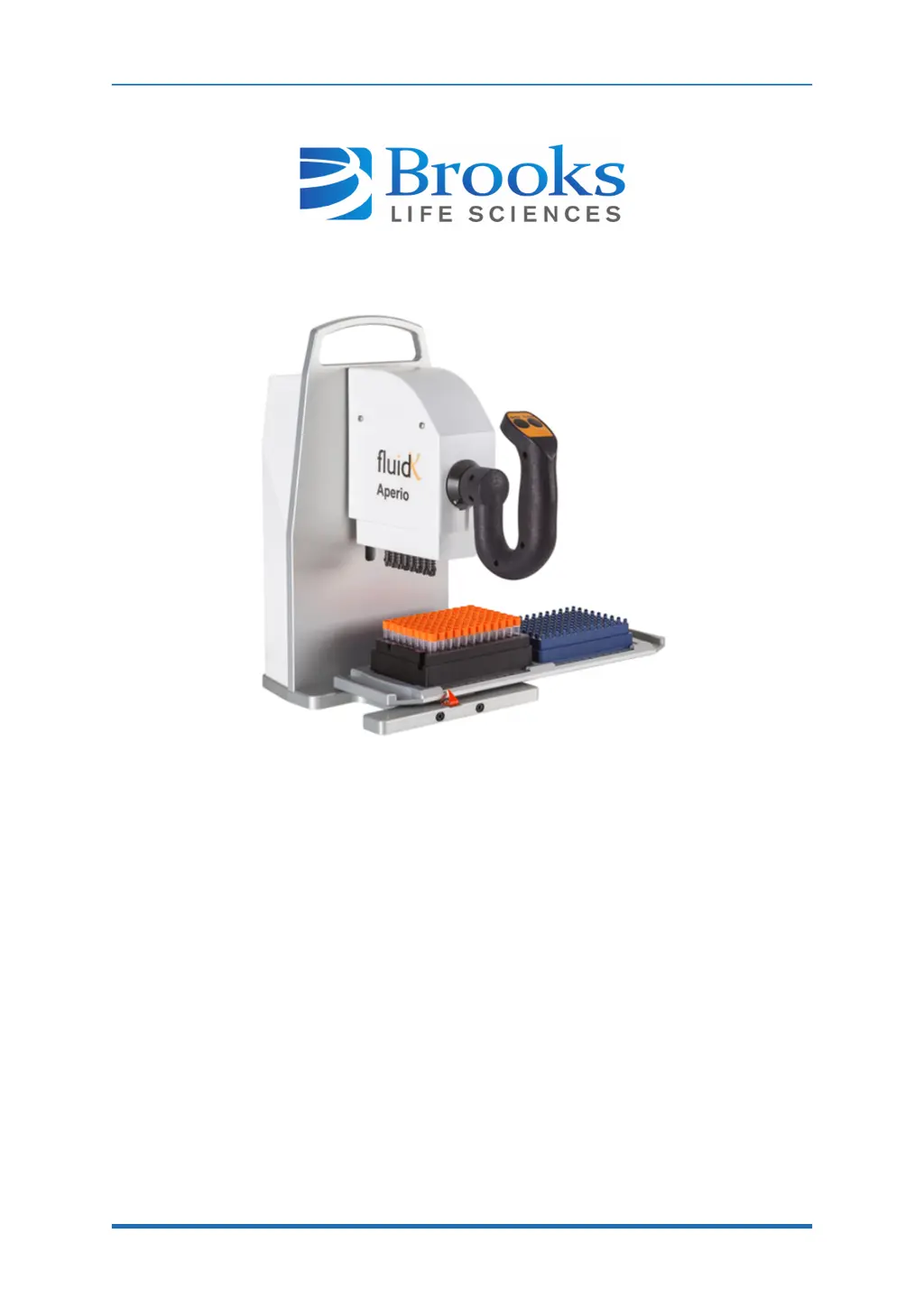
FluidX Aperio
Semi-Automated Screw Cap Decapper
User Manual
Part Number 319427 Rev. B
ThisistheOriginalinstructionfortheFluidXAperio.

Questions and Answers

  • T
    Thomas LaneAug 5, 2025
    What to do if my Brooks Laboratory Equipment is misaligned?
    • C
      copelandrobinAug 6, 2025
      If your Brooks Laboratory Equipment is misaligned, and the tray does not click into position matching the arrow, or the rack is not sitting correctly on the tray, recalibrate the FluidX Aperio.

Summary

2. Specifications and Site Requirements

Electrical Requirements

Specifies the required electrical power supply and frequency for the system.

Unit Dimensions

Details the physical dimensions (width, depth, height, weight) of the unit.

3. Installation

4. Operation

Decap

Detailed steps for removing caps from tubes using the system.

Recap From Store

Instructions for recapping tubes from storage.

5. Preventative Maintenance

6. Troubleshooting

Troubleshooting Guide

Lists common problems, their causes, and solutions for the device.

Brooks FluidX Aperio Series Specifications

General IconGeneral
BrandBrooks
ModelFluidX Aperio Series
CategoryLaboratory Equipment
LanguageEnglish

Related product manuals