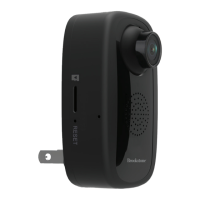
1. Plug in Wi-Fi Camera into the wall. After about
30 seconds camera will move around. After
another 15 seconds it will make a chiming sound.
Camera is now ready to be set up.
2. Make sure phone is connected to your Wi-Fi
network and that it is a 2.4GHz network.
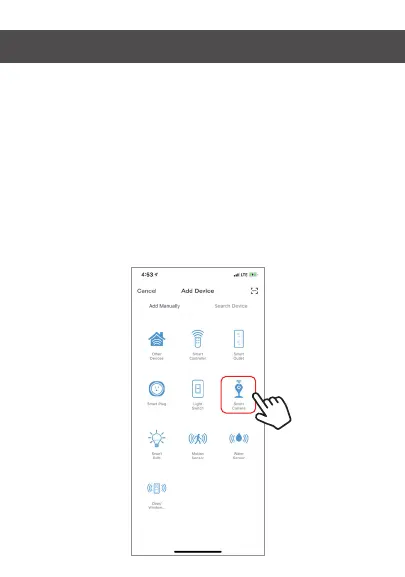
3. Press the (+) symbol in the top right corner of
the app and select the Smart Camera from
the list of devices to add.
ADD DEVICE


 To Next Page