7
PaIRInG WITh YoUR coMPUTeR
1. Make sure your computer is equipped with Bluetooth
®
technology
(Please check your computer’s manual, or with the manufacturer,
for more information.)
2. Ensure the headphones are off before entering the pairing mode.
The LED INDICATORS on both EARCUPS will not be illuminated.
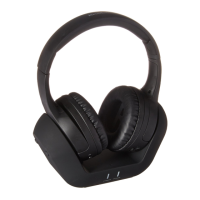
3. To begin the pairing process, press and hold the POWER BUTTON
at the bottom of the RIGHT EARCUP for 5 seconds or until you see
the LED INDICATORS flashing quickly.
4. Search or scan for a new device on your computer. Select the device
named “BT-H31” and enter the pairing key “0000” if prompted.
You may also need to select mono or stereo for the audio output.
5. When the pairing is complete, the LED INDICATORS on both EARCUPS
will stop flashing quickly and revert to a slower flash to show that the
headphones have completed pairing.
6. To connect the headphones when you restart your computer, short click the
POWER BUTTON once and ensure the LED INDICATORS are blinking slowly.
7. To connect the headphones again as an A2DP device for music playback
when you restart, short click the CONTROL DIAL once and ensure the
LED INDICATORS are blinking slowly.










 To Next Page