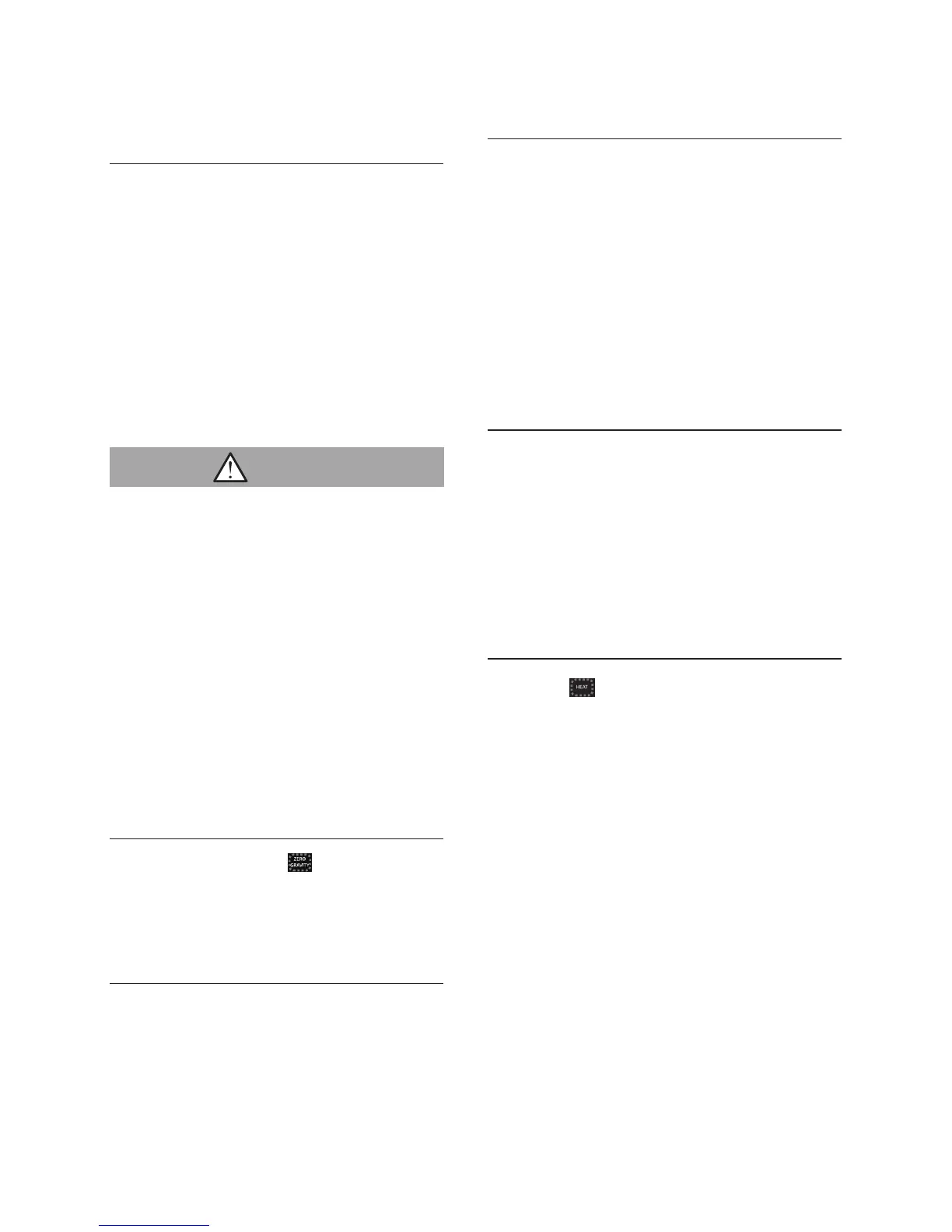
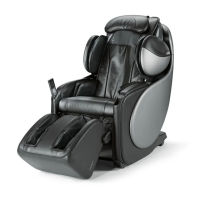
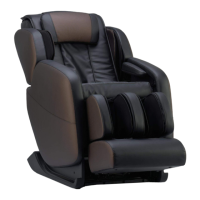
Sitting on the Brookstone Renew
TM
Massage Chair
How to recline the backrest
Raising and lowering the foot rest
Foot rest extension and retraction
To use the heat function
Preparation before use
• The rollers are usually stored in the
upper part of the backrest. This
position is known as the “storage
position”.
• If the rollers are not in the storage
position, simply reset by pressing
the power button on the controller
before sitting on the massage
chair.
• Do not sit down on the chair with
the leg rest raised. Any sudden
heavy weight on the leg rest could
cause damage to the mechanism,
or it may result in accident or injury
if the chair tips over.
• Ensure that the backrest returns to
the upright position before sitting
on the chair, then recline it to your
preference.
• To raise the backrest, push and
hold the
▲ (Incline button) until the
backrest is at your desired angle.
• To recline the backrest, push and
hold the ▼ (Recline button) until the
backrest is at your desired angle.
The foot rest can be raised independently
for additional benefit.
• To raise the foot rest, press and hold
the foot rest button
▲ until the foot
rest is at the desired angle.
• To lower the foot rest, press and hold
the foot rest button ▼ until the foot
rest is at the desired angle.
• Raise the foot until your feet are
placed at a natural position.
• Stretch your feet to a comfortable
position. The foot rest will retract
or extend and stop at an
appropriate position.
• Press heat button to turn on / off
the lumbar heat function.
One touch to Zero Gravity
• Simply press the Zero Gravity
button once, to recline to Zero
Gravity position.
Caution
14







 To Next Page