page 2 of 3
Option 2
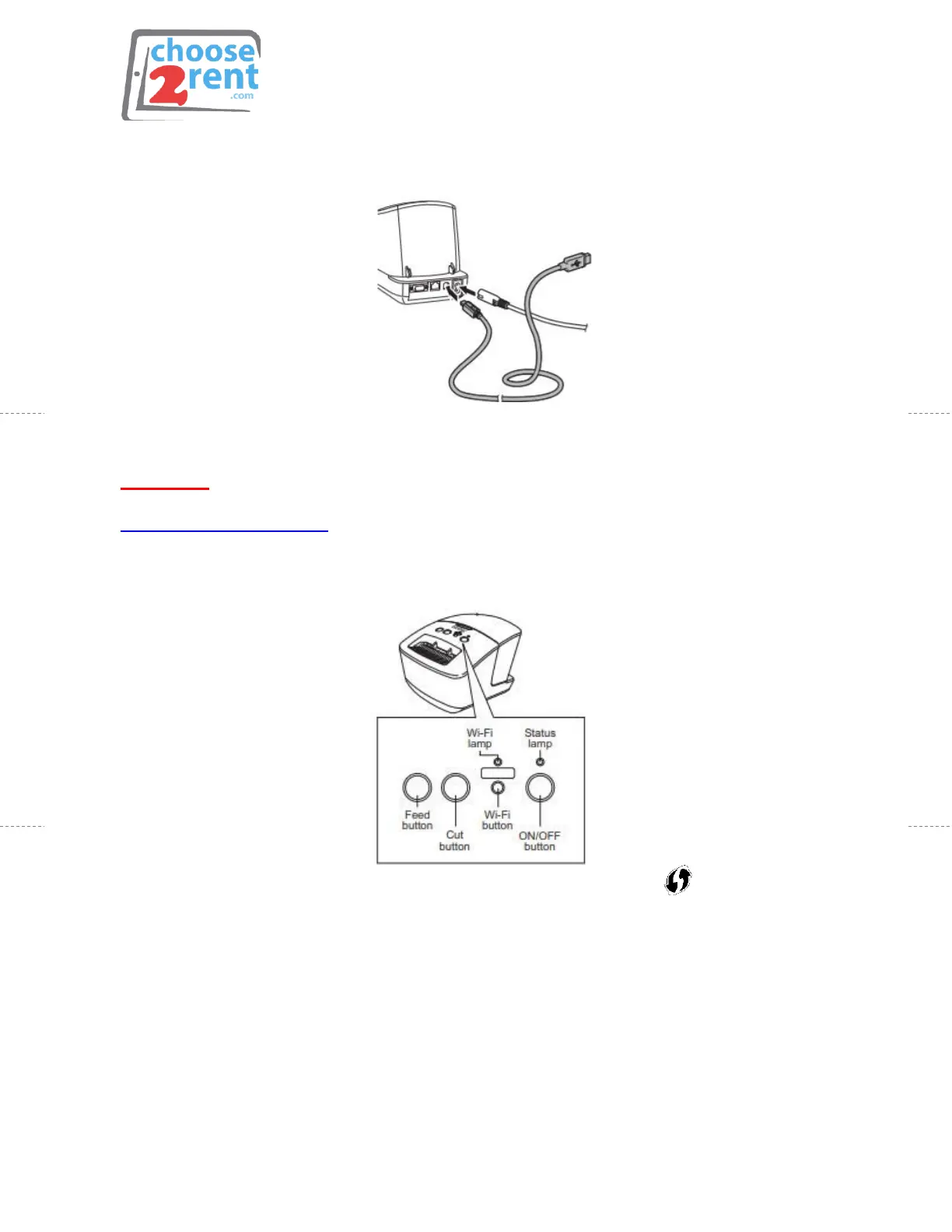
USB Port
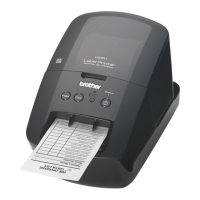
• Connect the USB cable into the back of the printer and into your PC
Please note: Be sure to have the official Brother 720nw driver installed on your PC.
http://solutions.brother.com
Option 3
WIFI – WPS
• Confirm that your router has a WPS button/symbol
• Place your printer within range of your router
• Turn on the printer and hold the WIFI button until the WIFI indicator
starts blinking green (must blink FAST for pairing)
• Press the WPS button on your Router or MIFI
• When connected, WIFI indicator will appear solid green


 To Next Page