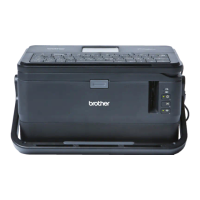
Changing the P-touch Labelling Machine Settings
94
6
Wireless Direct Tab 6
Wireless Direct Settings 6
1 SSID (Network Name)/Network Key
Specifies the SSID (25 ASCII characters or fewer) and the network key (63 characters or fewer) you want
to use in the Wireless Direct mode.
The factory settings for the SSID and password are as follows:
SSID: “PT-D800W” or “DIRECT-*****_PT-D800W”. "*****" is the last five digits of the product serial
number.
Password (Network key): 00000000
1



 To Next Page
 Loading...