151
13
13
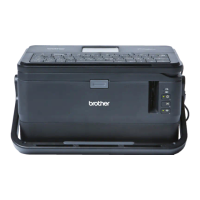
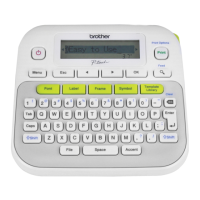
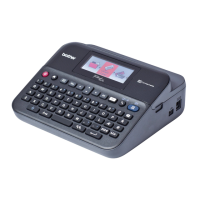
You can transfer templates to the P-touch labelling machine using P-touch Transfer Express. First, the
administrator creates a template, and then distributes it together with P-touch Transfer Express. You can then
use P-touch Transfer Express to transfer the template directly to your machine.
You can download the latest version of P-touch Transfer Express from the Brother Solutions Center at
support.brother.com
[Select your region/country.] - [Downloads] - [Choose your product]
• If the template is to be transferred as a new one, make sure you specify a [Key Assign] number (in
P-touch Transfer Manager) that is not currently used. If the specified [Key Assign] number is already
being used, the existing template will be overwritten with the new one.
• This function requires a USB connection.
Preparing P-touch Transfer Express 13
The user must prepare P-touch Transfer Express for transferring templates to a machine.
• The printer driver must be installed before using Transfer Express.
• P-touch Transfer Express is available only in English.
a You can download the latest version of P-touch Transfer Express from the Brother Solutions Center at
support.brother.com
[Select your region/country.] - [Downloads] - [Choose your product]
b Download Transfer Express to any location on the computer.
c Decompress the downloaded file (.zip).
Transferring Templates with P-touch
Transfer Express
13
Administrator Users
Brother Solutions Center
support.brother.com
P-touch
Editor
P-touch
Transfer Manager
Transfer Express
xxx.lbx xxx.lbx xxx.pdz
1.
2. 3. 4. 5.
P-touch
Transfer Express
xxx.pdz



 To Next Page
 Loading...