80
6
6
Printer Setting Tool for Windows
®
6
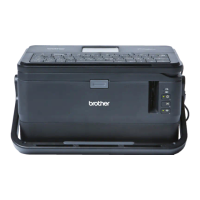
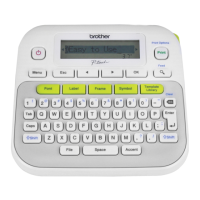
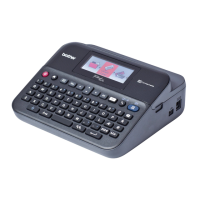
Using the “Printer Setting Tool”, you can specify the machine's communication settings or device settings
from a computer.
The “Printer Setting Tool” is installed automatically when you use the initial installer to install the printer
driver. For more information, see Installing the Printer Driver and Software on page 62.
The “Printer Setting Tool” is available only with compatible Brother machines.
Before Using the Printer Setting Tool 6
Make sure the AC adapter is connected to the machine and to an electrical socket, or a fully-charged
battery is installed.
Make sure the printer driver has been installed correctly and you can print.
Connect this machine to a computer with a USB cable. Settings cannot be specified using Wi-Fi using this
tool.
Changing the P-touch Labelling Machine
Settings
6



 To Next Page
 Loading...