EasyManua.ls Logo

Brother HL-5240L - User Manual

Brother HL-5240L
139 pages
Print Icon
To Next Page IconTo Next Page
Loading...
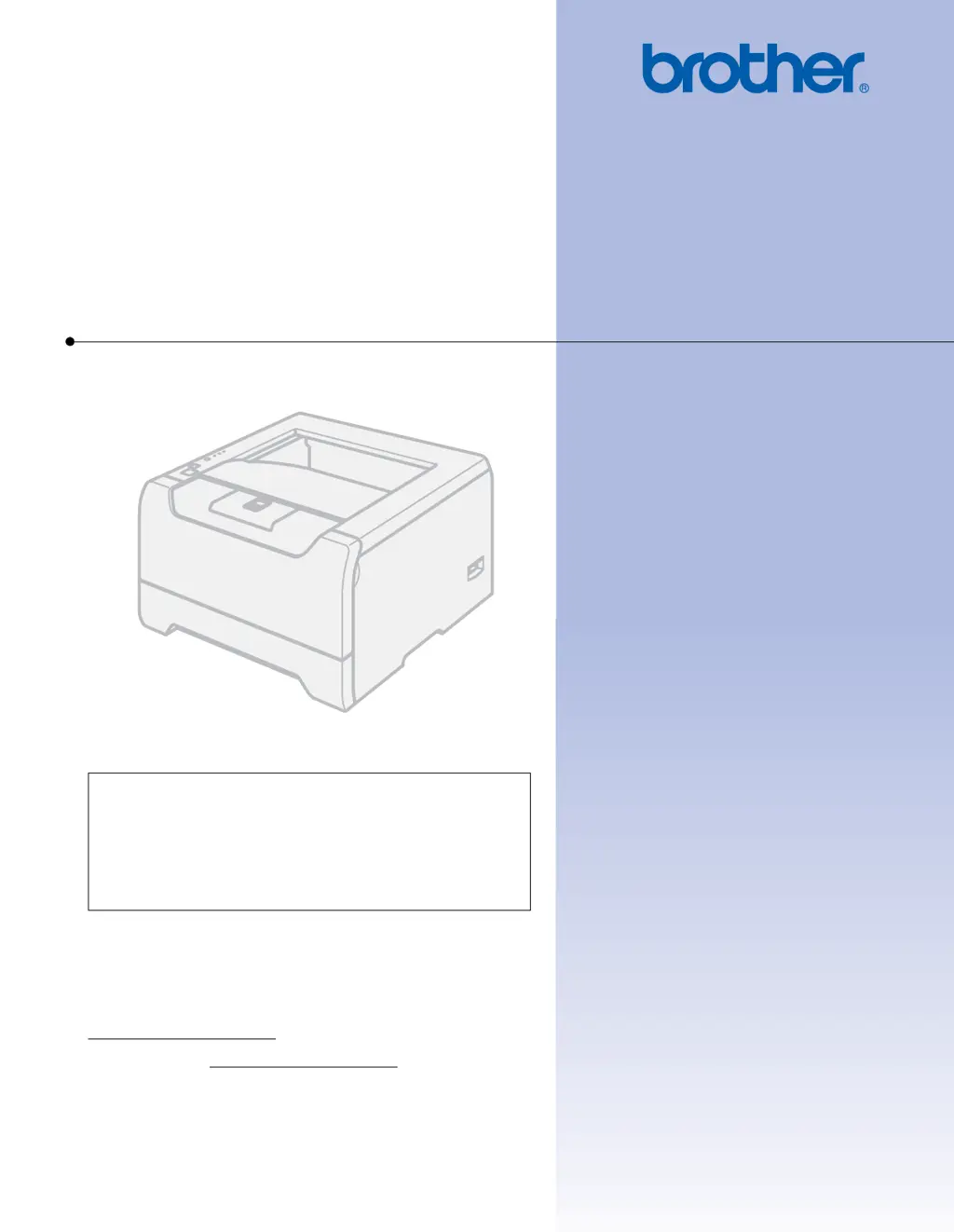
USER’S GUIDE
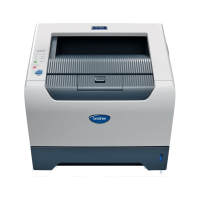
Brother Laser Printer
HL-5240
HL-5240L
HL-5250DN
For visually-impaired users
You can read this manual with Screen
Reader ‘text-to-speech’ software.
You must set up the hardware and install the driver before you can use the printer.
Please use the Quick Setup Guide to set up the printer. You can find a printed copy in the box.
Please read this User’s Guide thoroughly before you use the printer. Keep the CD-ROM in a convenient place so you
can use it quickly if you need to. You can also read the User’s Guide in HTML format by visiting our web site at
http://solutions.brother.com
or accessing it from the CD-ROM directly.
Please visit us at http://solutions.brother.com
where you can get product support, the latest driver updates and
utilities, and answers to frequently asked questions (FAQs) and technical questions.
Version 4
EN-Eur

Table of Contents

Other manuals for Brother HL-5240L

Questions and Answers

  • L
    Leah StevensonAug 14, 2025
    What to do when my Brother HL-5240L shows 'Memory Full'?
    • E
      Eric DavisAug 14, 2025
      If your Brother printer displays a 'Memory Full' error, press 'Go' to print the remaining data in the printer memory. Alternatively, cancel the print job to delete the remaining data. To prevent this issue, reduce the complexity of your document or decrease the print resolution. You can also add more memory to the printer.
  • J
    Jennifer AllenAug 17, 2025
    What to check if my Brother Printer is not printing?
    • M
      melissa81Aug 18, 2025
      If your Brother printer is not printing, ensure the printer cable is securely connected. Also, verify that you have selected the correct printer driver on your computer.
  • B
    benjaminyorkAug 21, 2025
    What to do if my Brother Printer says 'No Paper'?
    • W
      watkinsdanielleAug 21, 2025
      If your Brother printer displays a 'No Paper' error, ensure the paper tray is not empty and is correctly installed. If it contains paper, verify that the paper is straight and not curled. Try removing the paper, turning the stack over, and reinserting it. Reduce the amount of paper in the tray. Ensure that you are using paper that meets Brother’s recommended specifications and that the loaded paper size matches your current driver settings.
  • T
    Tammy MccannAug 25, 2025
    How to fix 'Print Overrun' on my Brother HL-5240L Printer?
    • M
      Mary BakerAug 25, 2025
      If your Brother printer displays a 'Print Overrun' error, first, try pressing 'Go' to print the remaining data in the printer memory. If that doesn't work, cancel the print job to delete the remaining data. You can also reduce the complexity of your document or lower the print resolution. As additional steps, consider setting page protection to AUTO via the Windows driver or Remote Printer Console, and adjust the Graphics mode, TrueType mode, and Use Printer TrueType Fonts settings in the Windows driver.
  • S
    Sarah WilsonAug 28, 2025
    How to resolve 'Print Overrun' error on Brother Printer?
    • M
      Micheal BrownAug 28, 2025
      If your Brother printer displays a 'Print Overrun' error, first, try pressing 'Go' to print the remaining data in the printer memory. If that doesn't work, cancel the print job to delete the remaining data. You can also reduce the complexity of your document or lower the print resolution. As additional steps, consider setting page protection to AUTO via the Windows driver or Remote Printer Console, and adjust the Graphics mode, TrueType mode, and Use Printer TrueType Fonts settings in the Windows driver.
  • J
    James JonesAug 31, 2025
    How to fix 'Front Cover is Open' error on Brother Printer?
    • D
      Deborah AvilaAug 31, 2025
      If your Brother printer indicates that the front cover is open, ensure that you close the front cover of the printer.
  • M
    Martha HaynesSep 3, 2025
    How to fix 'Incorrect Paper Size for Auto DX' on Brother HL-5240L Printer?
    • J
      Jaclyn TaylorSep 3, 2025
      If your Brother printer displays 'Incorrect Paper Size for Auto DX', press 'Go' or 'Job Cancel'. Then, either set the correct paper size you intend to use or load paper of the same size selected in your current driver settings.
  • M
    Mary StephensSep 6, 2025
    What to do if my Brother HL-5240L says 'Fuser Cover is Open'?
    • M
      Mrs. Mary MccallSep 7, 2025
      If your Brother printer indicates that the fuser cover is open, close the fuser cover located behind the back cover of the printer.
  • H
    holly52Sep 10, 2025
    What to do if my Brother Printer shows an error writing to LPT1?
    • J
      Justin JohnsSep 12, 2025
      If you see an error writing to LPT1 (or BRUSB) on your PC, ensure the printer cable is not damaged. If you're using an interface-switching device, verify you've selected the correct printer.

Brother HL-5240L Specifications

General IconGeneral
Printer TypeLaser
ConnectivityUSB 2.0, Parallel
Monthly Duty Cycle30, 000 pages
Paper Capacity250 sheets
Duplex PrintingManual
Processor200 MHz
Memory8 MB
Maximum Paper SizeLegal
Print Resolution1200 x 1200 dpi

Related product manuals