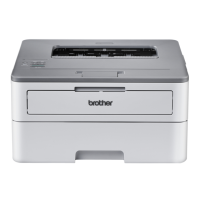
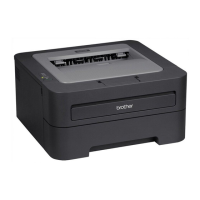
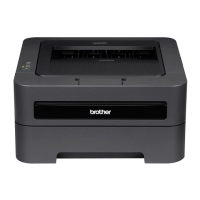
HL2280DW
FAQs&Tr oubleshooting
Date:11/15/2011 ID:faq00000261_041
Clea nthe scannertoim provethecopyorfaxquality.
Pleasefollowthestepsbelowtosolvetheproblem:
NOTE:IllustrationsshownbelowarefromrepresentativeproductandmaydifferfromyourBrothermachine.
DONOTusecleaningmaterialsthatcontainammonia,alcohol,anytypeofspray,oranytypeofflammablesubstancetocleanthe
outsideorinsideofthemachine.Doingthismaycauseafireorelectricalshock.
1.Turnoffthemachine'spowerswitch.
FormodelswithFAXfunctions :
Unplugthetelephonelinecordfirst.
Disconnectallcables,andthenunplugthepowercordfromtheACpoweroutlet(electricalsocket).
FormodelswithFAXfunctions :
Topreventyoufromlosinganyimportantmessages,pleaserefertotherelatedFAQattheendofthispage.
2.Liftthedocumentcover(1).Cleanthewhiteplasticsurface(2)andscannerglass(3)underneathitwithasoftlintfreeclothmoistenedwith
water.
3.Dooneofthefollowing:
IfyourBrothermachinedoesn'thaveanAutomaticDocumentFeeder(ADF),gotoSTEP4 .
IfyourBrothermachinehasanADF,Cleanthewhitebar(1)andtheglassstrip(2)underneathitwithasoftlintfreeclothmoistenedwith
water.

 Need help?

 To Next Page
 General