Sewing the Various Built-In Decorative Patterns 117
3
— — — — — — — — — — — — — — — — — — — —
— — — — — — — — — — — — — — — — — — — — — — — — — — — — — — —
h
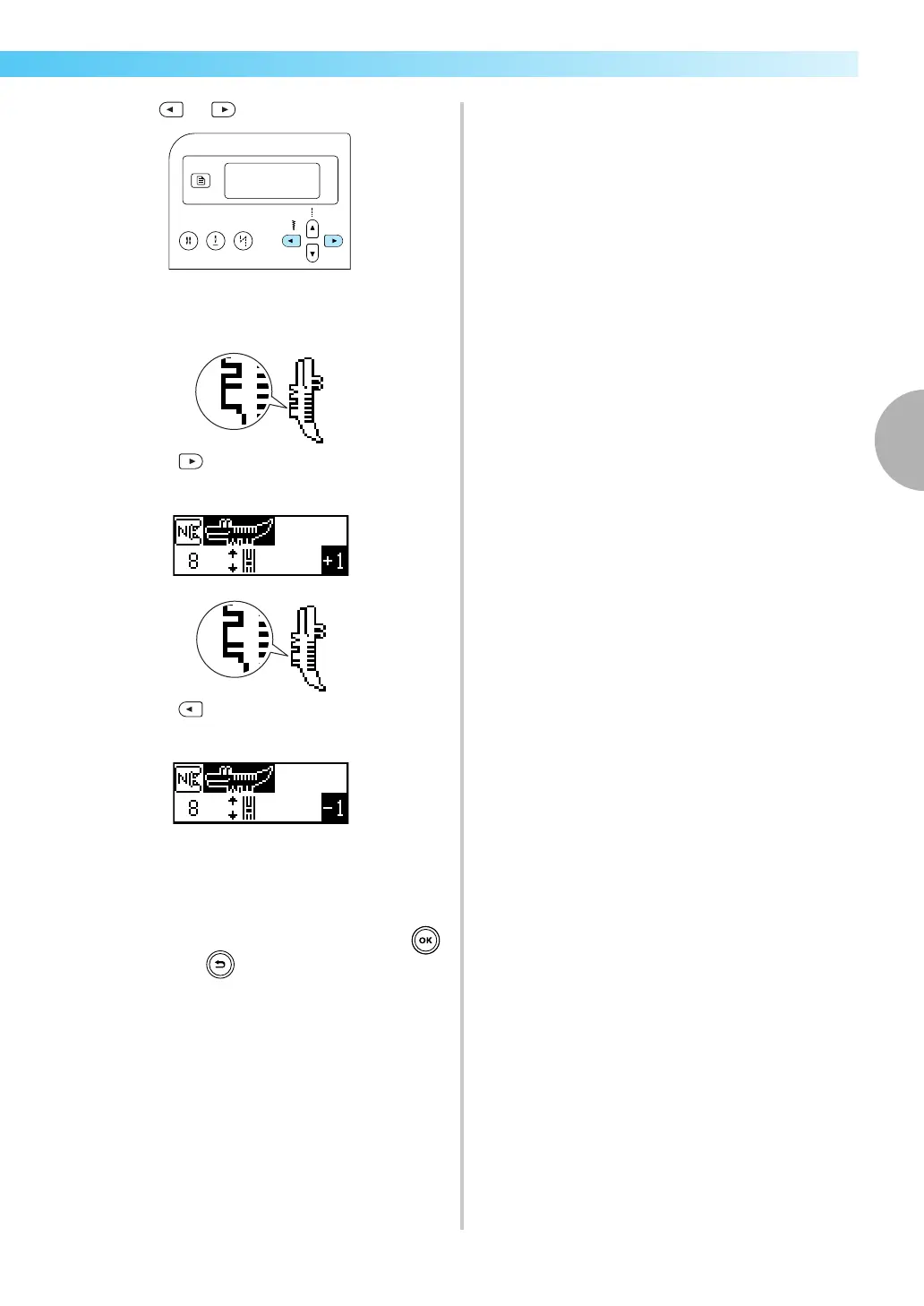
Press or (Stitch width keys).
X Make the necessary adjustments according
to how the pattern is sewn.
Press (Stitch width key) to increase the
adjustment setting.
Press (Stitch width key) to decrease the
adjustment setting.
i
Start sewing again, and then check the pattern.
Continue adjusting the pattern until it is sewn
correctly.
j
When the pattern is sewn correctly, press
(OK key) or (Cancel/clear key).
X The initial stitch screen appears again.


 To Next Page
 Loading...