UTILITY STITCHES — — — — — — — — — — — — — — — — — — — — — — — — — — — — — — — — — — — — — — — — — — —
70
To select a stitch in a different mode as the
current one
• After selecting a different mode, type in the
number for the desired stitch. (Refer to steps
e on pages 67 through 69.)
When switching from the utility stitch mode to
the decorative stitch or character stitch mode or
the other way around, all stitches that have been
selected are erased so that a new stitch can be
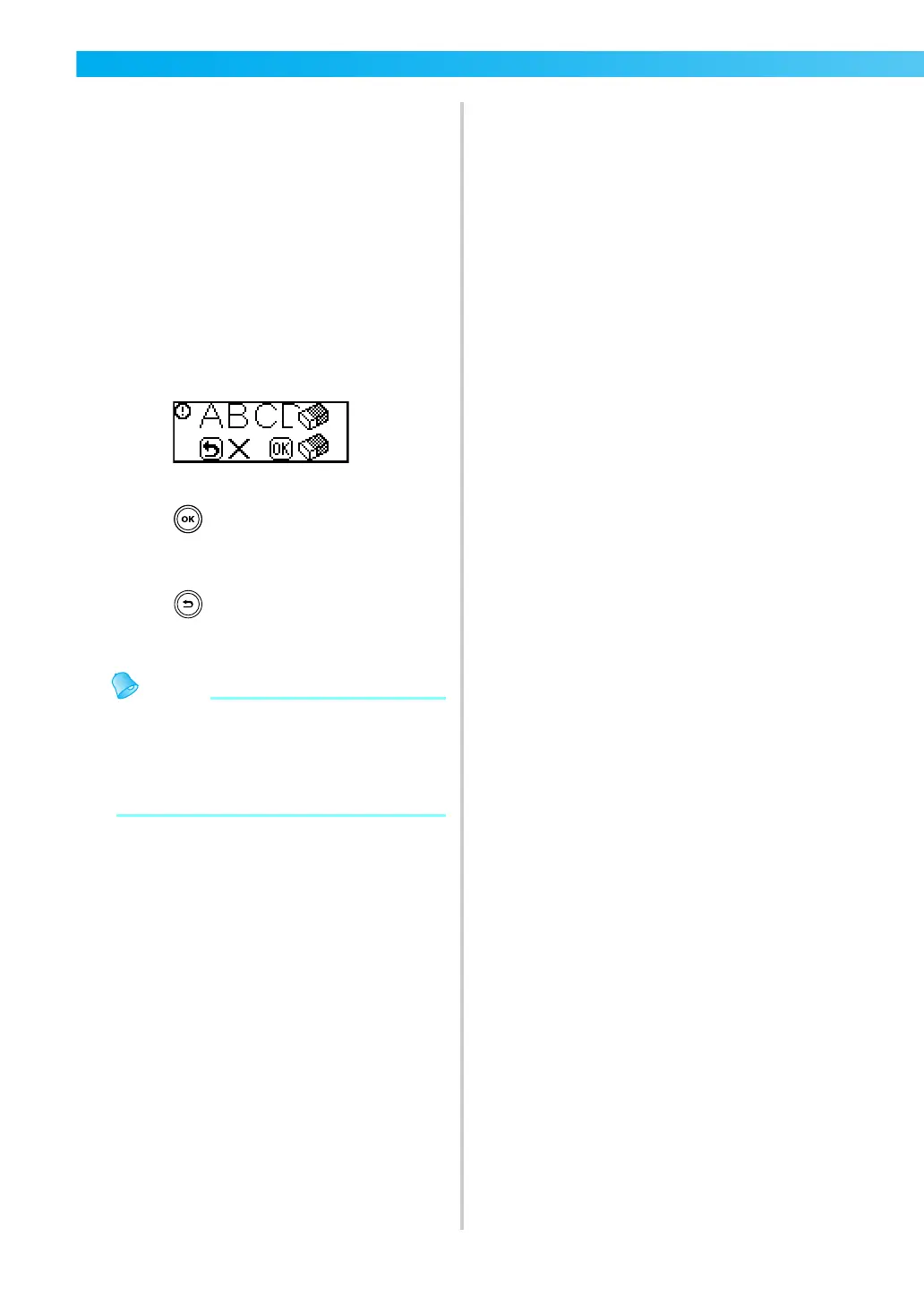
selected. A screen similar to the one shown
below appears, allowing you to confirm whether
or not to erase the stitches.
• To erase the stitch and select a different one,
press (OK key), and then change the
stitch mode.
• To stop the current stitch from being erased,
press (Cancel/clear key) to return to the
previous screen.
z After changing stitch settings such as the
stitch length and width or after combining
patterns, the stitch pattern can be saved with
its current settings. For details, refer to
“Saving patterns” (page 114).


 To Next Page
 Loading...