Internet fax and Scan to E-mail (E-mail server) (For MFC-8880DN)
82
10
Sending to multiple phone numbers: 10
If you want to have the document relayed to more than one standard fax machine the address can be entered
using the following method:
a Enter the phone number of the first Fax machine UKFAX@brother.co.uk(fax#123).
b Press OK.
c Enter the phone number of the second Fax machine UKFAX@brother.co.uk(fax#456).
d Press Start.
Relay broadcast from a computer 10
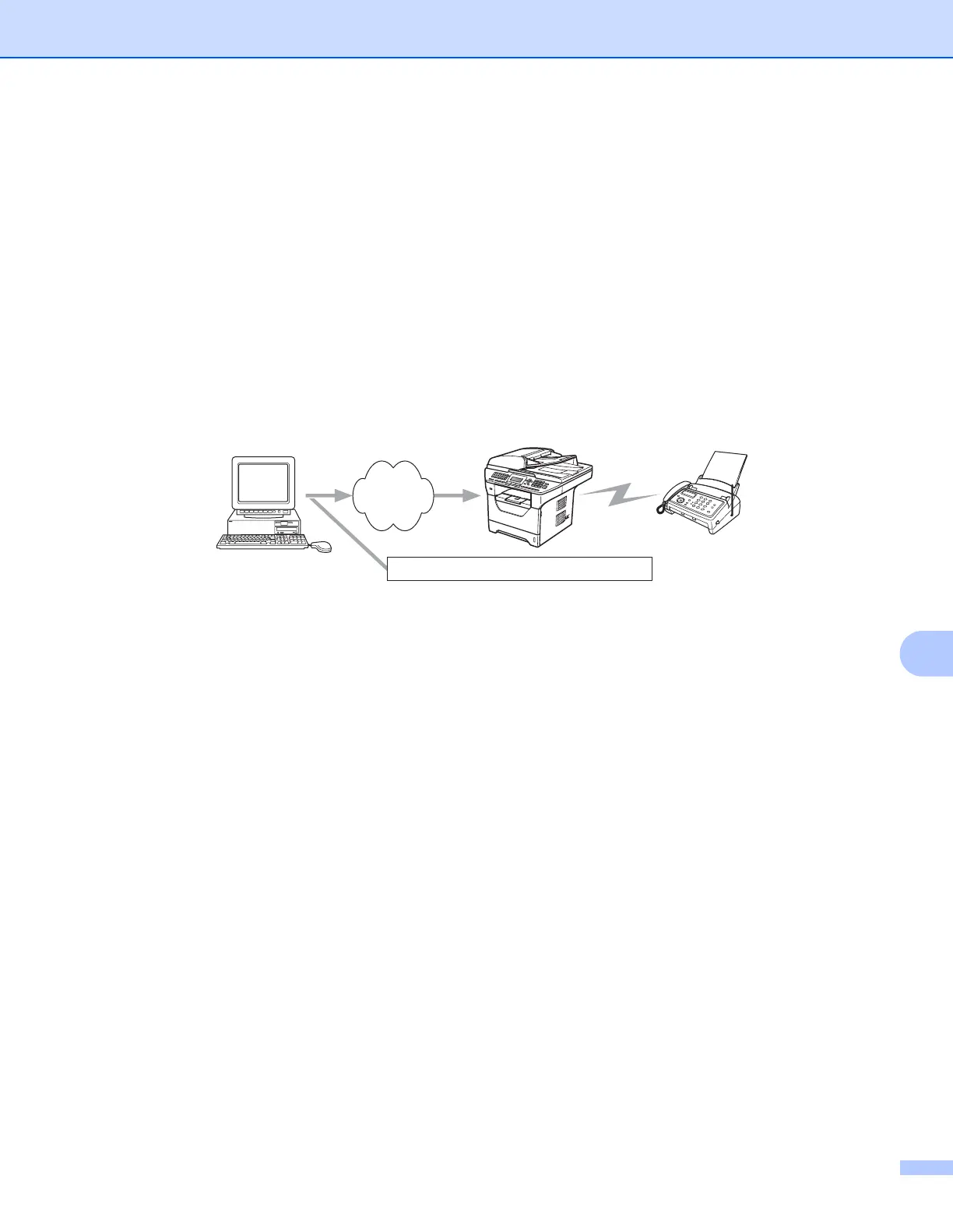
You can also send E-mail from your computer and have it relayed to a conventional fax machine. The method
of entering the phone number of the conventional fax machine that will receive the relayed E-mail will vary
depending on the mail application you are using. The following are some examples of different mail
applications:
Some E-mail applications do not support sending to multiple phone numbers. If your E-mail application
cannot support multiple phone numbers you will only be able to relay to one fax machine at a time.
Enter the address of the relay machine and phone number of the fax in the “TO” box using the same method
used when sending from a machine.
UKFAX@brother.co.uk(fax#123456789)
Microsoft
®
Outlook
®
: 10
For Microsoft
®
Outlook
®
97 or greater, the address information must be entered into the address book as
follows:
Name: fax#123456789
E-mail address: UKFAX@brother.co.uk
Your PC
Internet
UKFAX@brother.co.uk 123456789
UKFAX@brother.co.uk(fax#123456789)










 To Next Page