EasyManua.ls Logo

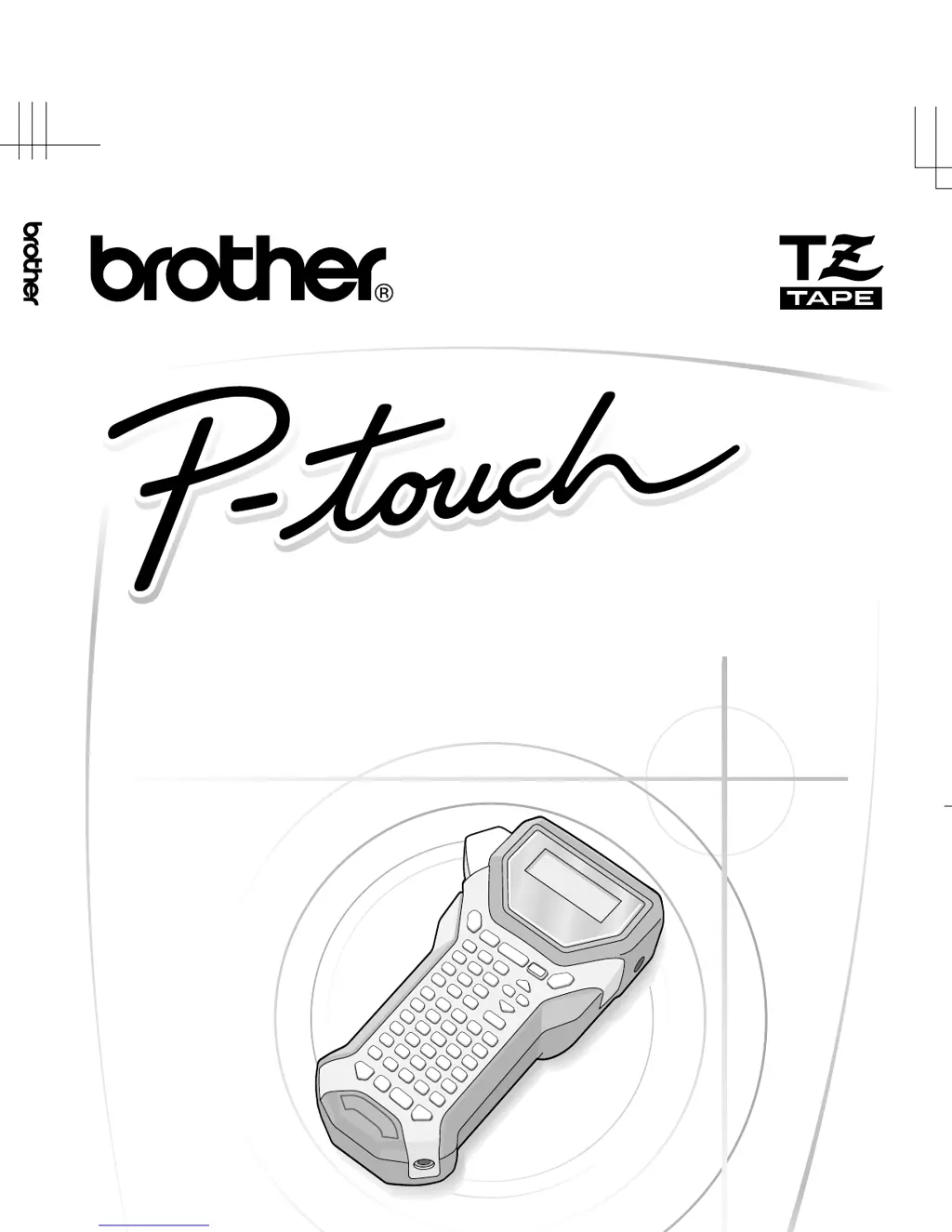
Brother P-TOUCH 7500 - User Manual

Brother P-TOUCH 7500
102 pages
Print Icon
To Next Page IconTo Next Page
Loading...
7500/7600
Printed in China
LW2458001
USER´S GUIDE
USER´S GUIDE
• Read this User’s Guide before you start using your P-touch.
• Keep this User’s Guide in a handy place for future reference.
PT-7500/7600 User's Guide (English)
LW2458001

Table of Contents

Questions and Answers

Summary

Declaration of Conformity

Compilation and Publication Notice

Details on the manual's compilation and publication.

Trademarks

Lists registered trademarks associated with Brother Industries.

Before Using Your P-touch

Safety precautions

Key safety guidelines and explanations of warning symbols.

General Precautions

Getting Started

Unpacking Your P-touch

Instructions for checking the contents of the P-touch package.

General Description

Overview of the P-touch unit's components and features.

Keyboard & LCD screen

Detailed layout and functions of the P-touch keyboard and display.

Power Supply

Information on using AC adapter, batteries, and rechargeable battery packs.

Label Type Modes

Selecting a Label Type Mode

Guide to choosing different label printing modes.

Normal and Vertical Modes

Details on printing labels in normal and vertical orientations.

Rotate and Rotate & Repeat Modes

Using modes for rotating text and repeating labels around objects.

Flag Mode

Creating flag-style labels for cables and wires.

Port and Panel1 Modes

Labeling components and panels with Port and Panel1 modes.

Panel2 Mode

Configuring labels for rows of switches or patch panels.

Basic Functions

Performing Basic Operations

Covers navigation, selection, confirmation, and cancellation of functions.

Inputting Label Data

Instructions for entering and editing text, characters, and spaces.

Text Editing and Input

Managing text deletion, accented characters, bar codes, and symbols.

Formatting the Label

Customizing label length, margins, frames, size, style, and width.

Printing Labels

Overview of label printing process and previewing.

Using special printing functions

Advanced printing options like repeat copies and mirror images.

Storing and Recalling Files

Saving and retrieving label text and formatting.

Machine Adjustments

Selecting how tape is fed and cut

Configuring tape cutting methods (cut-pause, chain printing).

Adjusting the display contrast

Changing the brightness and darkness of the LCD.

Using the Auto Reduction function

Automatically reducing text size or width to fit label length.

Calibrating the label length

Adjusting printed label length for accuracy.

Updating the PERSONAL symbol category

Managing custom symbols saved in memory.

Cleaning

Procedures for cleaning the print head, rollers, and tape cutter.

Using P-touch With a Computer (for PT-7600 only)

Installing the Software & Printer Driver

Steps to install P-touch Editor, printer driver, and transfer manager.

System requirements

Minimum PC specifications for software installation.

Installing P-touch Editor 5.0

Detailed guide for installing the P-touch Editor software.

Installing the Printer driver

Instructions for installing the printer driver for different Windows versions.

Uninstalling Software

Procedure to remove P-touch Editor and printer driver.

Using P-touch Editor 5.0

Guide to designing and printing complex labels with P-touch Editor.

Layout window

Explanation of the P-touch Editor layout window interface.

Transferring Data To;From a Computer

Moving templates, databases, and images between PC and P-touch.

Using P-touch Transfer Manager & Library

Managing and transferring label data with specific applications.

Transferring label templates from the PC

Steps to move label templates from computer to P-touch.

Using template data

Printing labels using templates with or without databases.

Using downloaded database data

Adding data from databases to labels.

Searching the database

Finding specific records within a database.

Backing up label templates

Transferring templates and data from P-touch to PC.

Appendix

Resetting the P-touch

Procedure to reset the P-touch to its initial settings.

Troubleshooting

Common problems and their solutions.

Error Message List

Explanation of error messages and how to resolve them.

Brother P-TOUCH 7500 Specifications

General IconGeneral
Print TechnologyThermal Transfer
DisplayLCD
ConnectivityUSB
Tape Sizes3.5mm, 6mm, 9mm, 12mm, 18mm, 24mm
CutterAutomatic
Print Resolution180 dpi
ModelP-TOUCH 7500
Max Print Width24 mm
Print Speed10 mm/s
Power SourceAC Adapter or Battery
Tape TypeTZe Tape
KeyboardYes
Label Width24 mm
Display Lines2
Dimensions180 x 157 x 81 mm
Weight1.1 kg

Related product manuals