
 Need help?
Do you have a question about the Brother PT-150 and is the answer not in the manual?
Step-by-step instructions for installing a new tape cassette into the machine.
Instructions for correctly inserting the required C-type batteries.
How to power on the device and information on its automatic shut-off feature.
Guide to entering characters and text to create a message.
How to remove individual characters from a message using the DELETE key.
Choosing from five different character sizes for label printing.
Selecting one of five available print styles like Normal, Bold, or Outline.
Steps to print the message onto a label and how to cut the tape.
 General
| Brand | Brother |
|---|---|
| Model | PT-150 |
| Category | Label Maker |
| Language | English |





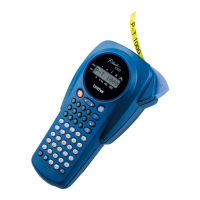

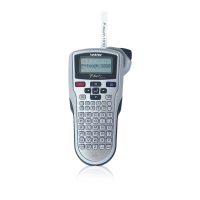

 To Next Page