EasyManua.ls Logo

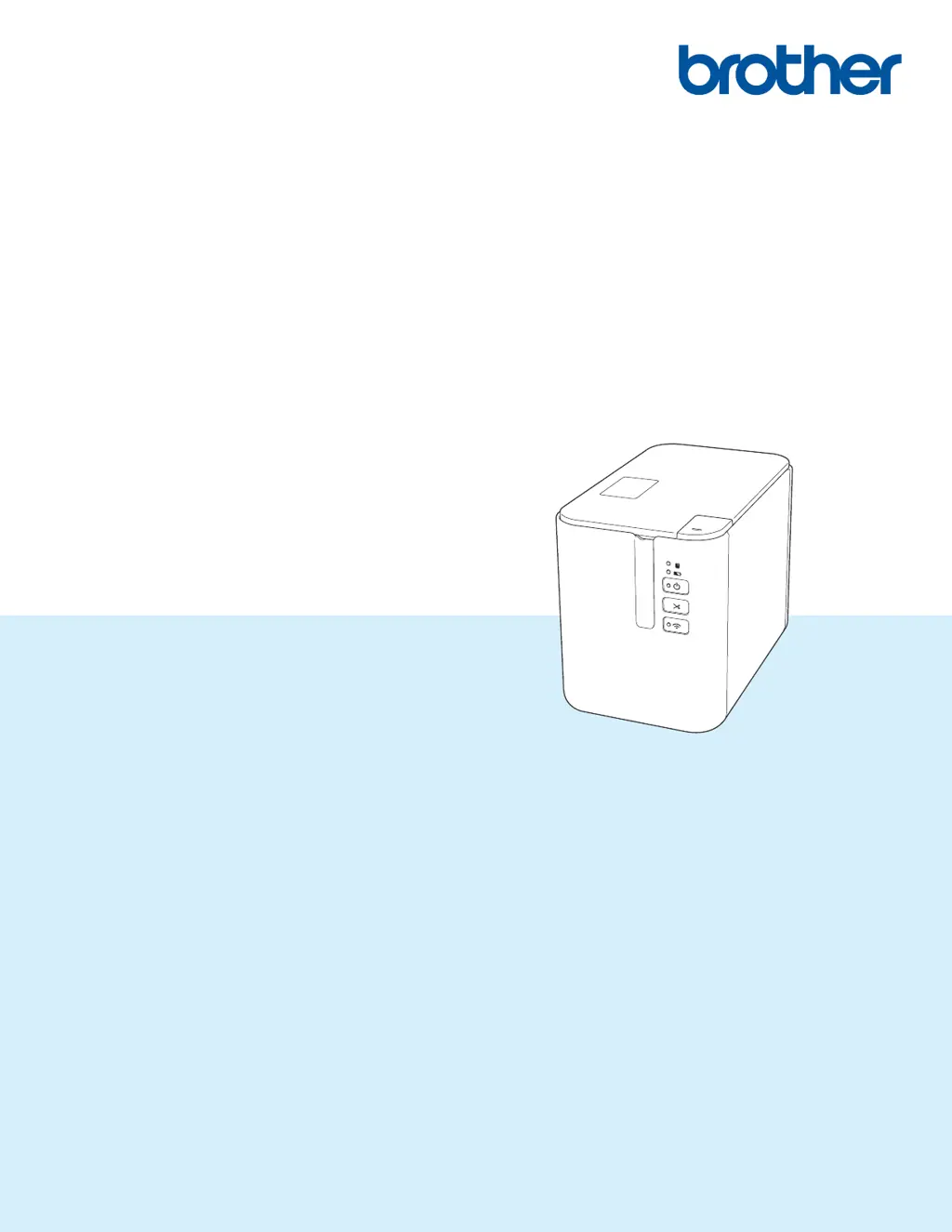
Brother PT-P900W - User Manual

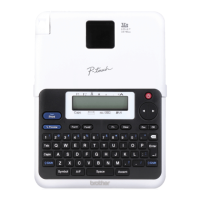
Brother PT-P900W
238 pages
Print Icon
To Next Page IconTo Next Page
Loading...
User’s Guide
PT-P900W
PT-P950NW
Read the whole guide before using your product and keep it for later
reference.
Version 0
US ENG

Table of Contents

Other manuals for Brother PT-P900W

Questions and Answers

Summary

Section I Basic Operations

Setting Up the P-touch Label Printer

Covers general description, front/back views, power connection, tape insertion, and power on/off.

Printing Using the Computer

Explains installing drivers, connecting the printer, and printing from a computer.

Printing Using the Mobile Device

Details on installing mobile apps, connecting the printer, and printing from mobile devices.

Changing the P-touch Label Printer Settings

Guide to using the Printer Setting Tool for configuring various printer parameters.

Printing Labels Using P-touch Template

Explains P-touch template mode operations, including standard and advanced printing.

Section II Application

Section III Network

Changing Your P-touch Label Printer Network Settings

Instructions for configuring network settings like IP address, subnet mask, and gateway.

Section IV Appendix

Resetting the P-touch Label Printer

Procedures for resetting printer settings to factory defaults using buttons or the Printer Setting Tool.

Troubleshooting

Common problems and solutions for printing, label issues, printer errors, and network setup.

Brother PT-P900W Specifications

General IconGeneral
ColorNo
Print technologyThermal transfer
Vertical printingYes
Maximum resolution360 x 360 DPI
Maximum print height32 mm
Minimum print length4 mm
Maximum printing width- mm
Label memory99 label(s)
Tape typeTZe
Tape width36 mm
Internal memory6 MB
Number of fonts4
Built-in barcodesCODABAR (NW-7), Code-128 Codabar Library, Code-39 Library, EAN128, EAN13, EAN8, GS1 COMPOSITE, GS1 DataBar, GS1 DataBar Expanded, ISBN-2, ISBN-5, ITF, MicroPDF417, POSTNET, QR Code, UPC-A, UPC-E
Page description languagesESC P
Display-
Product colorBlack
Housing materialPlastic
Wi-Fi standards802.11b, 802.11g, Wi-Fi 4 (802.11n)
Optional connectivityUSB 2.0
USB 2.0 ports quantity1
Connectivity technologyWired & Wireless
Sustainability certificatesENERGY STAR
Package depth266 mm
Package width165 mm
Package height333 mm
Package weight2740 g
Quantity per pack1 pc(s)
Harmonized System (HS) code84433210
Weight and Dimensions IconWeight and Dimensions
Depth192 mm
Width118 mm
Height146 mm
Weight1480 g

Related product manuals