Using the Auto Format Wizard
Stamp Editor's Auto Format feature makes creating stamp as easy as selecting a format and inputting
text. With this feature, you get a wide variety of automatically formatted templates, which are divided
into135 different categories in 9 folders.
Creating a layout using the Auto Format Wizard
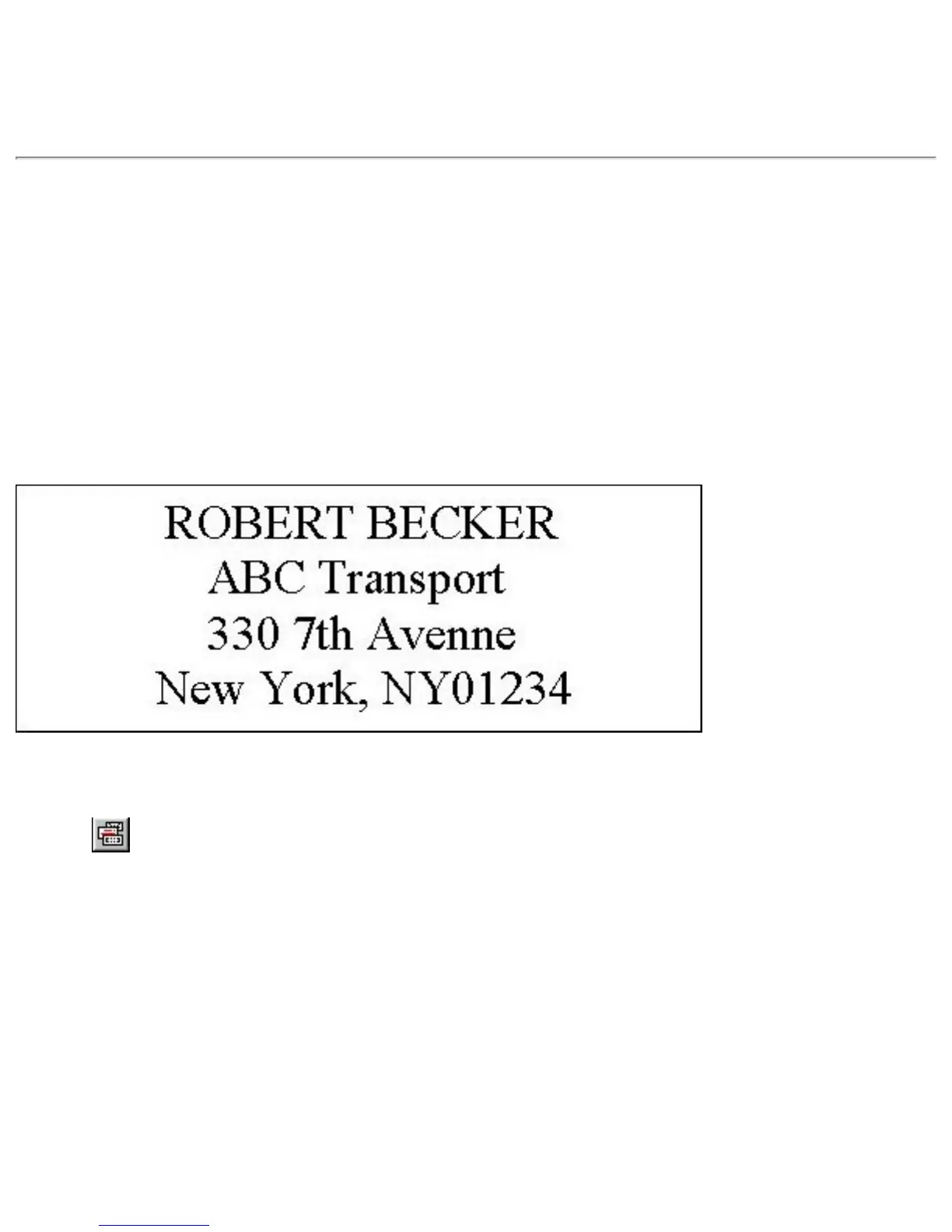
As an example, let's create a stamp like the following.
This stamp was created using the template named 202.LBL located in the OFFICE folder.
1. Click
, or pull down the [File] menu and select the [Auto Format] command.







 To Next Page