Note:
If "1:1" in the Zoom dialog box is selected, the layout is displayed so that
each pixel on your computer screen corresponds to a printer dot.
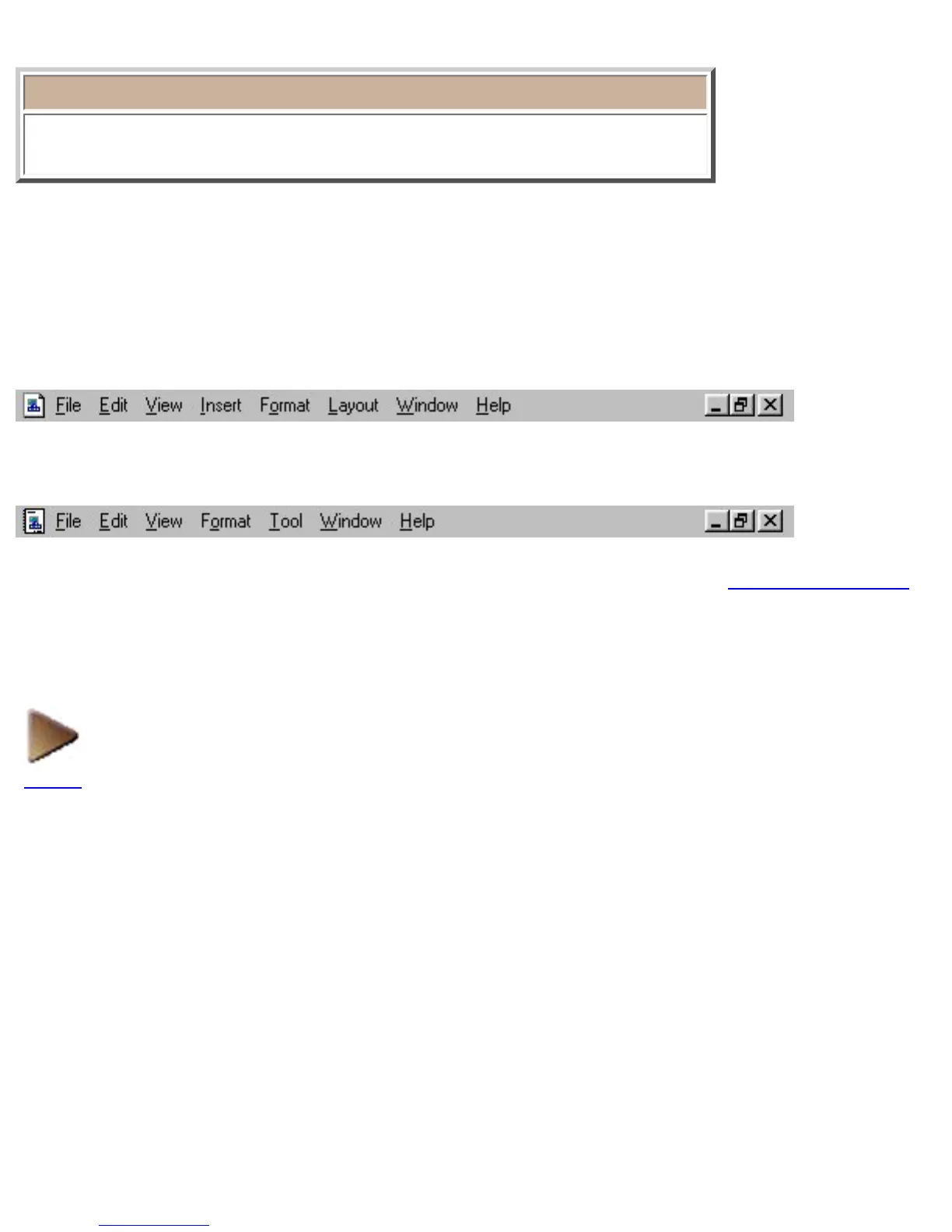
Menu bar
When a layout document is displayed:
When a database document is displayed:
The menu bar provides pull-down menus containing various commands. Refer to menu bar commands
for detailed explanations of each menu and command.
NEXT










 To Next Page