11
B. THE HELMET
9. REAR LIGHT
OPERATION
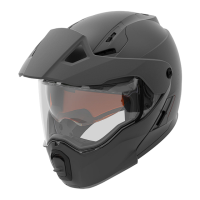
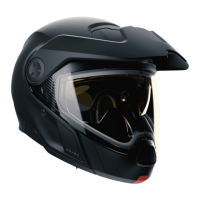
This helmet is equipped with a rear light which increase your visibility.
The rear light turns ON as soon as you are connected to your vehicle and your
engine is running. There is no switch to turn this light OFF.
REMOVING / REPLACING THE REAR LIGHT
1.
1.1.
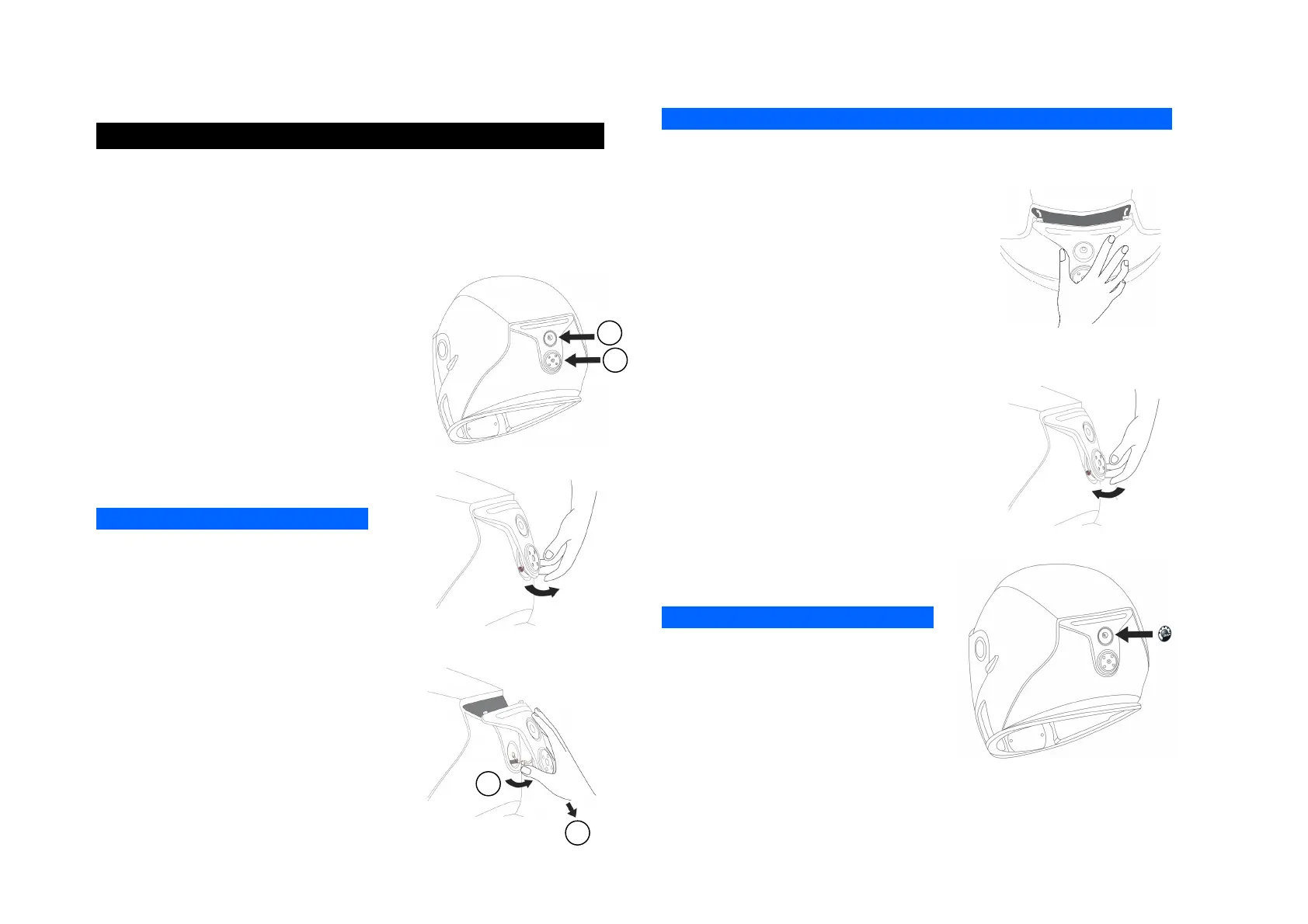
1. Remove the BRP logo sticker just
below the rear light.
2.
2.2.
2. Use a Phillips #1 screwdriver to remove
the two screws (1) and (2).
3.
3.3.
3. Grab the rear light module by the
bottom and lift it gently.
NOTICE
NOTICENOTICE
NOTICE
If the wires are stuck into the shell, do not
force on the rear light module, you could
damage it. Grab the wires and try to pull
them gently out of the shell.
4.
4.4.
4. Once you can see the wires, pull the
rear light module downward while lifting
the bottom until you clear the two hooks
at the top of the rear light module.
5
55
5.
..
. Then disconnect the two connectors by
grabbing them and pulling on the opposite
direction.
NOTICE
NOTICENOTICE
NOTICE
Do not pull directly on the electrical wires, you could damage them.
6
66
6.
..
. Take a new rear light and connect the
electrical connector.
7
77
7.
..
. Once the two connectors are plugged,
put gently the wires into the helmet.
8
88
8.
..
. Insert the two hooks onto the shell, as
shown.
9
99
9.
..
. Push back the rear light module and, at
the same time, make sure that you put
the wires back into the helmet.
10
1010
10.
..
. Once the rear light module is in
position, secure it in position by tightening
the 2 screws (0.3 Nm).
NOTICE
NOTICENOTICE
NOTICE
Do not over-torque the screws, you could
damage them.
11
1111
11.
..
. Put the new BRP logo over the upper
screw.
Make sure that the surface is clean; otherwise the adhesive will not stick.
2
1
1
2


 To Next Page