22
editback
chamber
check
on
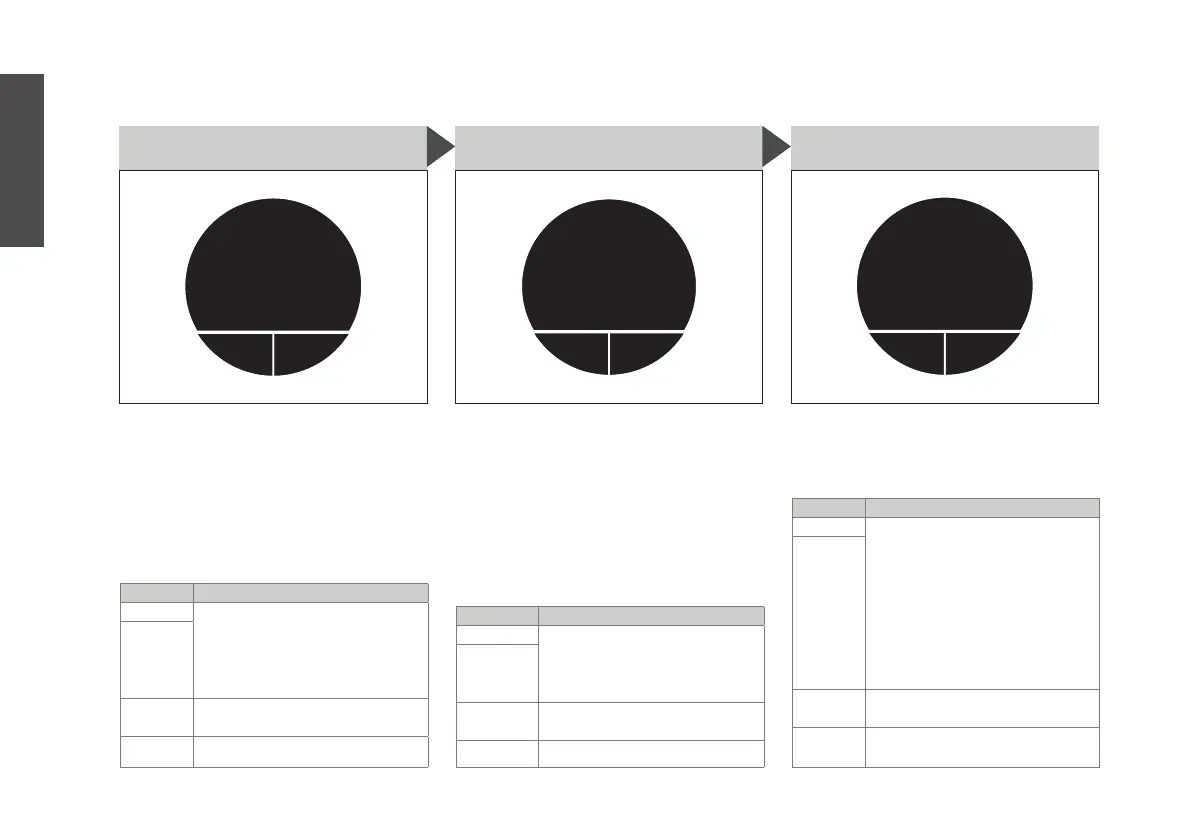
S15. CHAMBER CHECK
This is an advanced setting. ONLY
use for troubleshooting (see p. 28).
we DO NOT recommend puing
chamber check off, as the cham-
ber check ensures the glass bre-
wing chamber is installed before
brewing. Edit only if you are sure.
BUTTON ACTION
MAIN press to disable (off) or
enable (on) chamber check
by turning the main button
(B4), pressing ‘save’, then
‘yes’ 2x
RIGHT
LEFT press to go back to M9. ma-
chine setup
MAIN turn to go to other settings
editback
bluetooth
off
S16. BLUETOOTH
Bluetooth needs to be on to
connect with a mobile device
for updates and to be connec-
ted with the app (see hps://bru.
shop/app). You can turn Bluetooth
either on or off. When on, the
Bluetooth symbol will be visible in
the main menu (M1.)
BUTTON ACTION
MAIN press to turn Bluetooth on
or off by turning the main
button (B4), then pressing
‘save’
RIGHT
LEFT press to go back to M9.
machine setup
MAIN turn to go to other settings
enterback
pair
new
device
S17. PAIR NEW DEVICE
Connect a mobile device for up-
dates and to be connected with
the app (see hps://bru.shop/app).
BUTTON ACTION
MAIN press. ‘waiting for connecti-
on’ appears. Use your moblie
device with Bluetooth to
connect to the BRU maker
one. Check if the number
on the display matches the
number on your moblie
device. Press ‘yes’ to accept,
‘no’ to try again.
RIGHT
LEFT press to go back to M9.
machine setup
MAIN press to go to other settings
English


 To Next Page