21
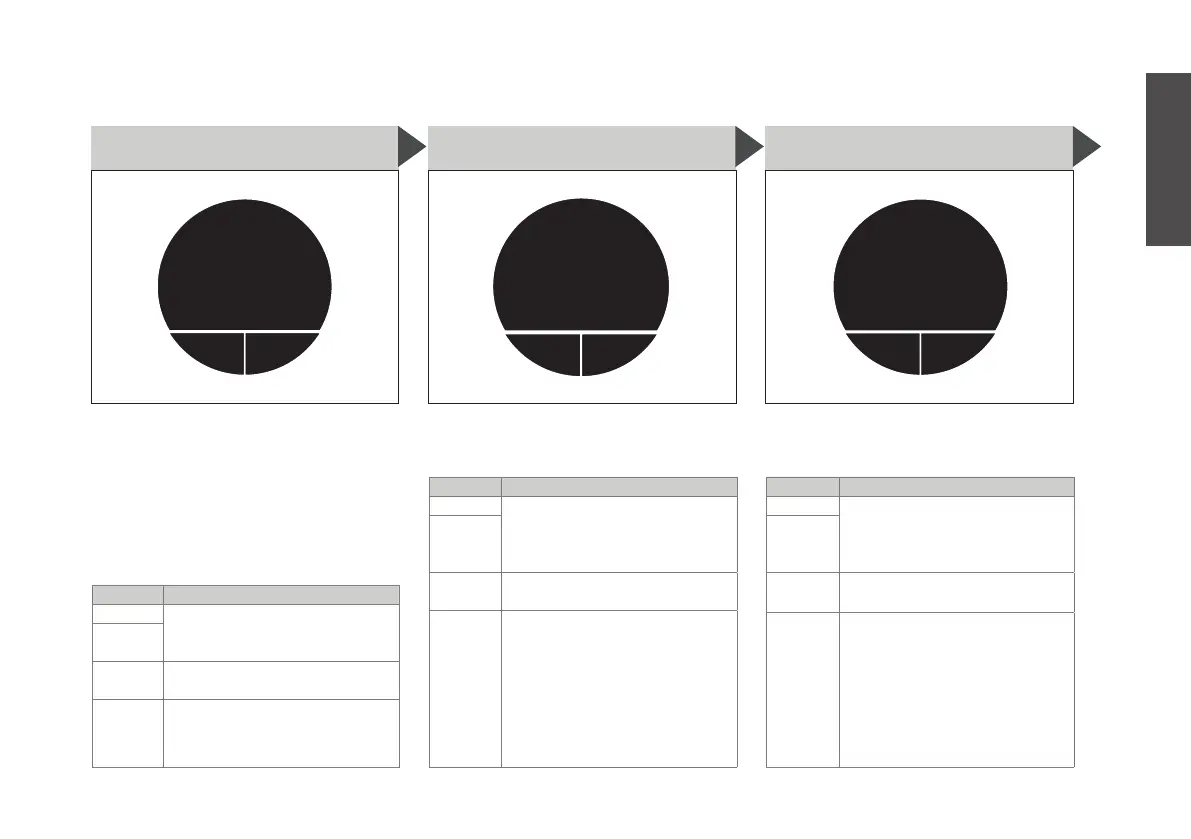
editback
time
format
24H
S14. TIME FORMAT
Set the time format for the digital
clock either to 24H or 12H
BUTTON ACTION
MAIN press to change the time
format to 24H or 12H by
turning the main button,
then pressing ‘save’
RIGHT
LEFT press to go back to M9. ma-
chine setup
MAIN turn to go to other settings
editback
units
metric
S13. UNITS
Set the units either to metric (°C,
ml) or imperial (F, oz)
BUTTON ACTION
MAIN press to change the unit
setting to metric or imperial
by turning the main button,
then pressing ‘save’
RIGHT
LEFT press to go back to M9. ma-
chine setup
MAIN turn to go to other settings
editback
language
english
S12. LANGUAGES
Change the language used on the
display. NOTE: more languages
will be added soon. Make sure to
update your machine to access
the latest language options. (more
info on our customer support web
page, see p. 30)
BUTTON ACTION
MAIN press to change the lan-
guage by turning the main
button, then pressing ‘save’
RIGHT
LEFT press to go back to M9. ma-
chine setup
MAIN turn to go to other settings
English


 To Next Page