20
editback
screen
saver
logo
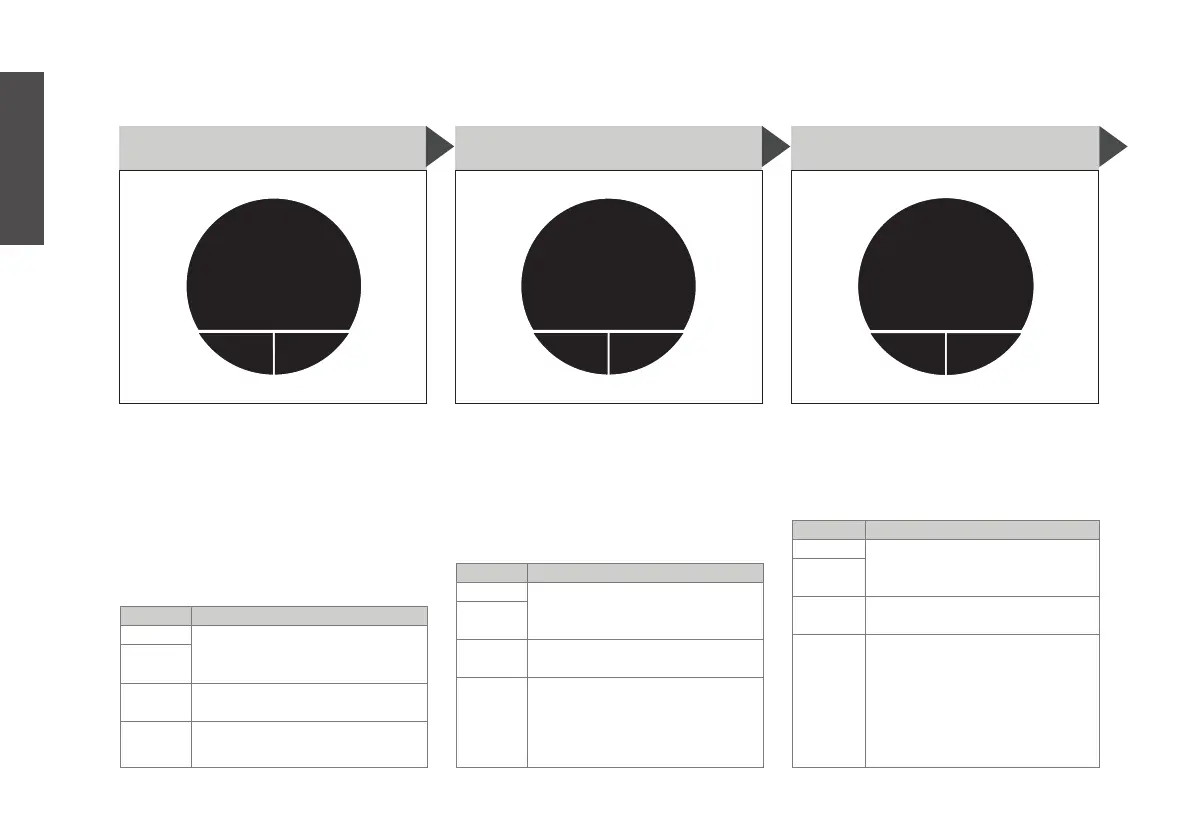
S9. SCREEN SAVER
Adjust the screen saver (machine
goes into screen saver mode after
90 sec. of no use). Can be set to:
logo: display the BRU logo
clock: display the time
dark: display nothing
off: the machine won’t go into
screen saver mode
BUTTON ACTION
MAIN press to choose the screen
saver by turning the main
button, then pressing ‘save’
RIGHT
LEFT press to go back to M9.
machine setup
MAIN turn to go to other settings
editback
led
on
S10. LED
Turn the background LED lights
on or off . The background light
indicates different stages of the
steeping cycle: red = filling up,
orange = steeping, green = ready
to enjoy
BUTTON ACTION
MAIN press to turn the LED lights
on or off by turning the main
button, then pressing ‘save’
RIGHT
LEFT press to go back to M9.
machine setup
MAIN turn to go to other settings
editback
buzzer
on
S11. BUZZER
Turn the buzzer on or off. The
buzzer indicates when the tea is
ready, or when there is an error or
warning.
BUTTON ACTION
MAIN press to turn the buzzer on
or off by turning the main
button, then pressing ‘save’
RIGHT
LEFT press to go back to M9.
machine setup
MAIN turn to go to other settings
English


 To Next Page