8
Operating the Thermostat
Setting the temperatures for heating and cooling
Your thermostat is installed with the heating set at 68° F and the
cooling set at 72° F. You can use these or change them so your home
is as warm or as cool as you would like it to be. These steps will hold
the temperature where you set it.
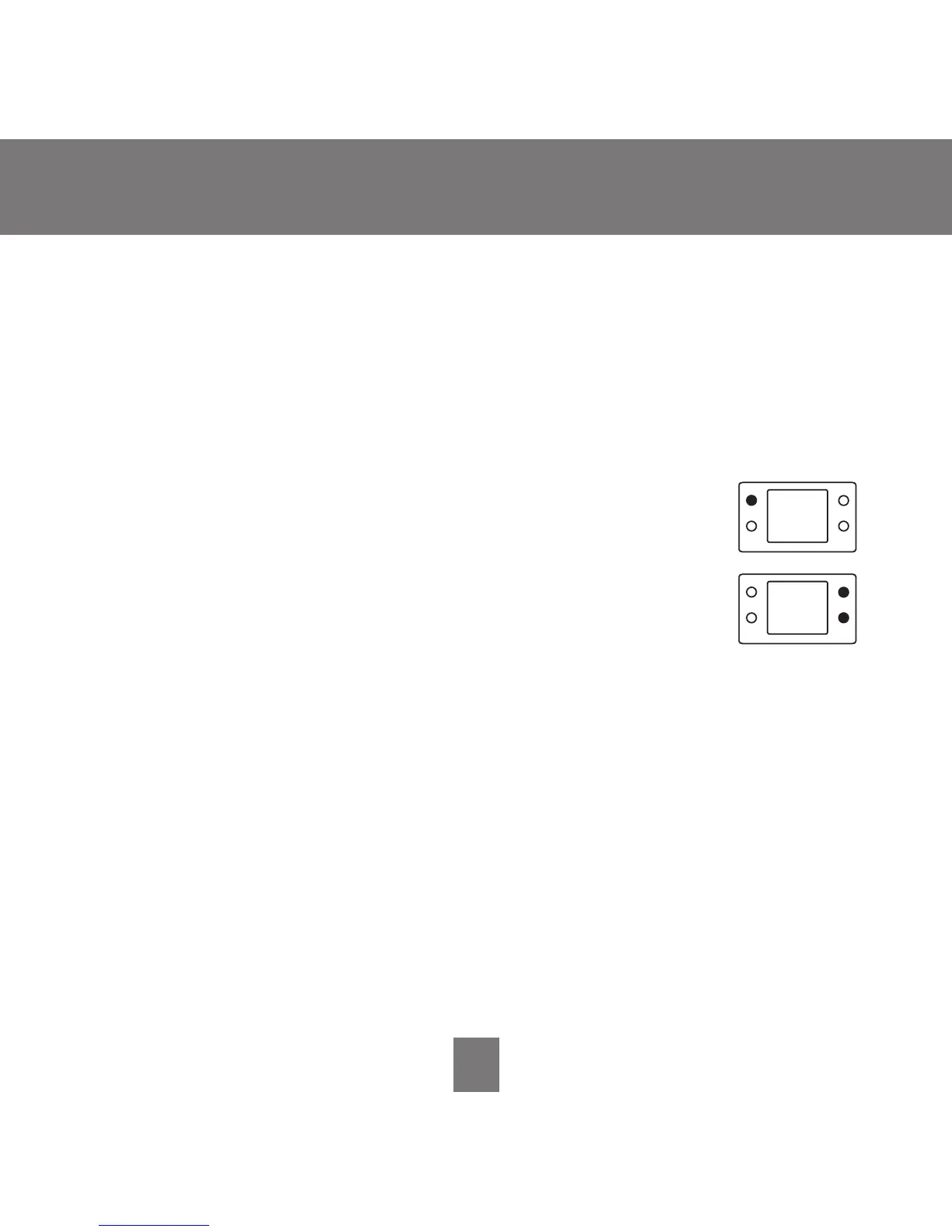
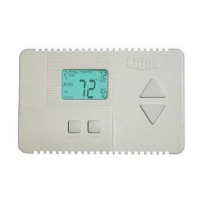
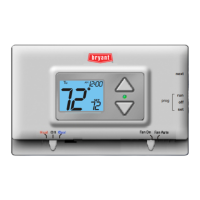
1. To change the heating temperature, press the
mode
button on the left until the screen says heat.
2. Press the
up or down button located on the right side
of the display until you reach the desired temperature.
3. To change the cooling temperature, press the
mode
button on the left until the screen says cool.
4. Press the
up or down button located on the right side
of the display until you reach the desired temperature.









 To Next Page