14
Operating the Thermostat
Using the thermostat to turn the heating and cooling system off
To use the thermostat to turn the heating and cooling
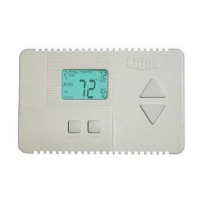
system off, press the
mode button on the left repeatedly
until the display shows
off in the upper left.
Auto changeover
The thermostat uses one of five modes: heat, cool, Em heat (heat
pump version only), auto, and off. When the mode selection is auto,
the thermostat is in auto changeover mode. This allows the system
to switch from heating to cooling – or from cooling to heating – to
maintain the temperatures you’ve set. It does this automatically.









 To Next Page
